Buttons and LEDs
Copyright © 2020 Shenzhen Goodix Technology Co., Ltd. 10
7 Buttons and LEDs
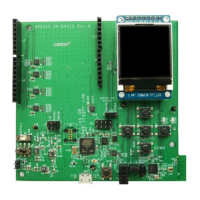
The GR5515 SK Board integrates 6 buttons and 3 LEDs, with corresponding GR551x pins as follows:
Table 7-1 Corresponding pins to buttons/LEDs
AON_GPIO1. It can be configured to wake the system
up from sleep mode in application, just like the PCS
project in SDK.
It is used for chip reset.
LED1 can be driven by different PWM modes.
D102 (J-Link status indicator)
It is connected to interface MCU to indicate J-Link
status. When it is powered on, it flashes; if J-Link
driver on the PC is ready, it remains on.


 To Next Page