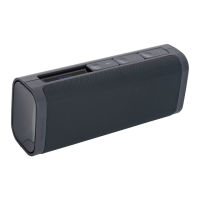
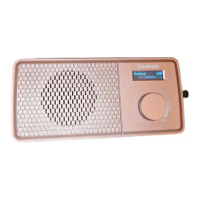
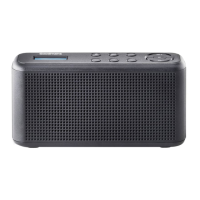
Pocket DAB+ & FM Radio with Speaker
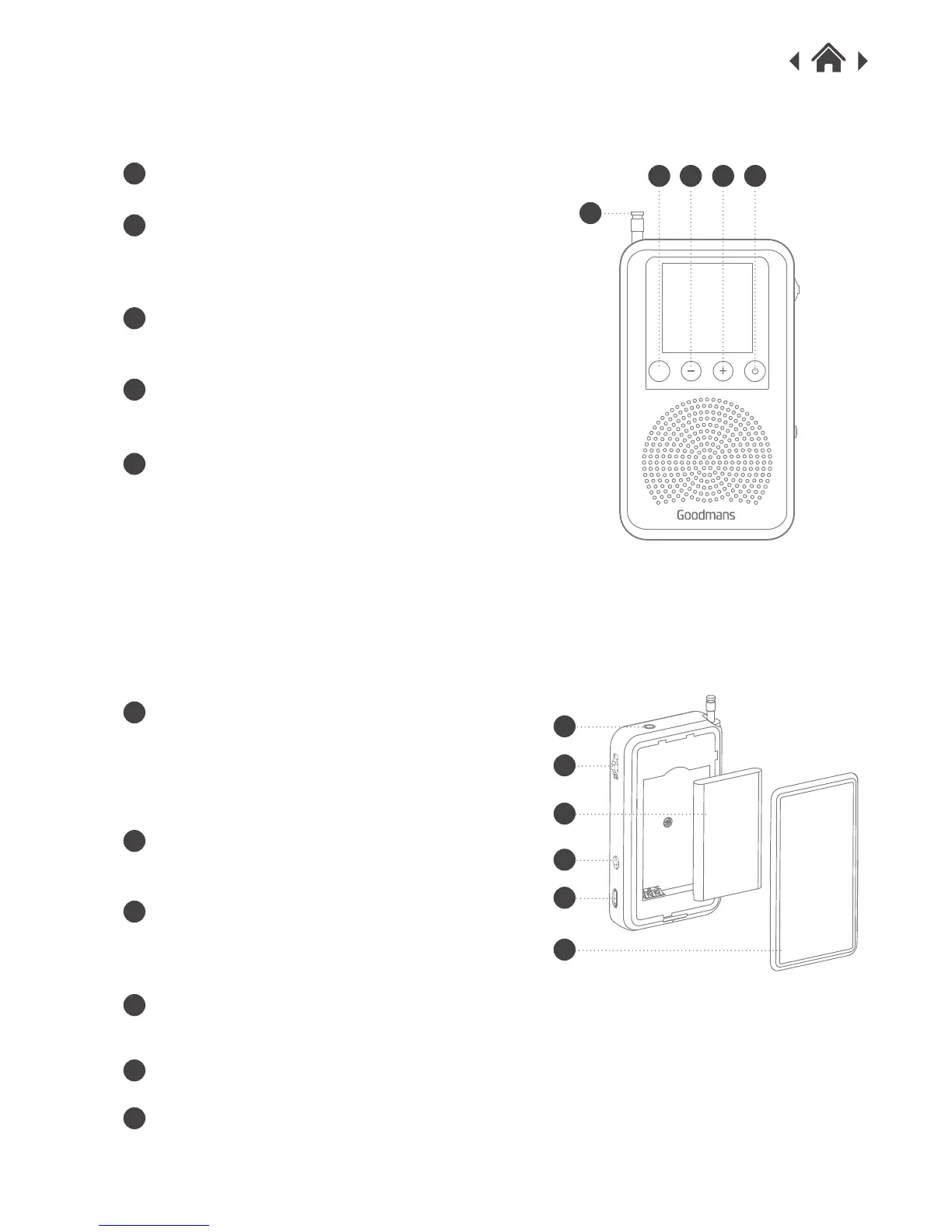
Front View
Rear View
2.2
2.3
Aerial
A
Preset Button
Press and hold to save a station as a preset,
or press to recall a preset station.
B
Volume- Button
Press to decrease the volume level.
C
Volume+ Button
Press to increase the volume level.
D
Power / Mode Button
Press and hold to switch on/off the radio,
or press to switch between DAB and FM.
Press and hold the Dial for 2 sec to perform
full scan. Scroll between different stations
and then press to select the station.
Press to view DLS.
E
Dial
Lock Button
Push to lock the keys.
Micro USB Socket
Used to connect the DAB Digital Radio to
USB power supply.
Headphone Jack
Used for headphone.
F
F
G
G
H
H
I
I
Lithium Battery
J
J
Battery Cover
K
K
A
B C D
E
P



 To Next Page