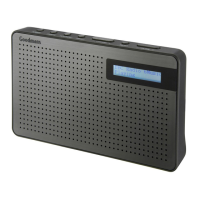
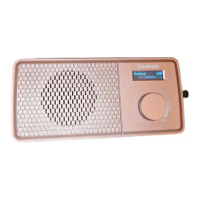
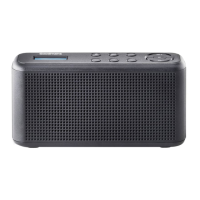
Pocket DAB+ & FM Radio with Speaker
Quick Setup3
Features4
Power on and Autoscan
1. Connect the power cable to the DAB Radio and USB socket to charge up the radio.
2. Raise and extend the aerial.
3. Press and hold the Power/Mode button to turn on the radio, it will autoscan automatically
for first time use.
3.1
DAB mode
MODE button
Dial
1. If the DAB radio is in FM mode, press the MODE button until DAB is shown
on the display.
2. Press and hold the Dial for 2 sec to perform full scan.
4.1
FM Mode
1. If the DAB radio is in DAB mode, press the MODE button until FM is shown
on the display.
4.2
Select DAB station
1. In DAB mode, scroll the dial and rotate to the station you want to listen to , then press the
dial to select.
4.3
Full Scan(DAB)
In DAB mode, press and hold for 2 sec the Dial to perform full scan.
4.4
View DLS information
When you are listening to DAB station, press the Dial to view the DLS information.
4.5
Changing DAB stations
1. Make sure it is in DAB+ mode.
2. Scroll to the station you want to listen to.
3. Press the dial to confirm.
3.2
Scanning for DAB stations
1. Make sure it is in DAB mode.
2. Press and hold for 2 sec the Dial to perform full scan.
3.3
Adjusting the volume
Press the VOL-/VOL+ to adjust the volume.
3.4
Switching Off
Press and hold the Power/Mode button to switch off the radio.
3.5



 To Next Page