EasyManua.ls Logo

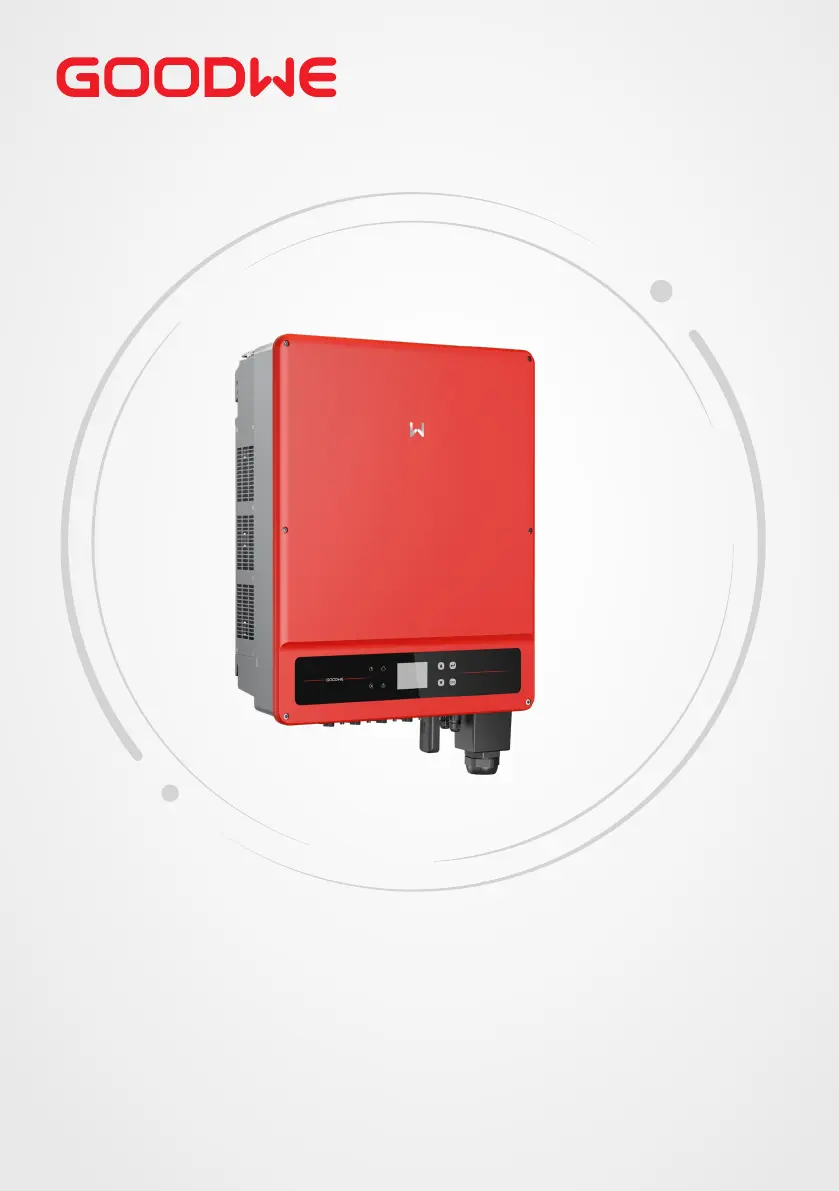
Goodwe GW30K-MT - User Manual

Goodwe GW30K-MT
64 pages
Print Icon
To Next Page IconTo Next Page
Loading...
User Manual
Grid-Tied PV Inverter
SMT Series
V1.3-2023-01-31

Questions and Answers

  • D
    Daniel HudsonAug 18, 2025
    What to do if my Goodwe GW30K-MT shows System Failure?
    • L
      laura00Aug 18, 2025
      If your Goodwe Inverter is showing a System Failure, here are a few things you can check: 1. First, disconnect the DC switch and take off the DC connector. Then, check the impedance between PV (+) & PV (-) to earth. 2. If the impedance is less than 100 kΩ, check the insulation of the PV string wiring to the earth. 3. If the impedance is larger than 100 kΩ, check AC wiring after taking off the AC connector and measuring the impedance between neutral and PE. If it is larger than 10 kΩ, check AC wiring.
  • S
    simschristopherAug 20, 2025
    What should I do if my Goodwe Inverter has Utility Loss?
    • K
      kaylakingAug 20, 2025
      If your Goodwe Inverter reports a Utility Loss, follow these steps: 1. Disconnect the DC switch and take off the AC connector. 2. Measure the voltage between line and neutral in the connector to ensure it conforms to the grid-connected specification of the inverter. 3. If it doesn't, check if the distribution switch is connected and the grid is normal. 4. If it does, reconnect the AC connector and DC connector.
  • E
    Eric MatthewsAug 22, 2025
    What to do if Goodwe GW30K-MT displays AC Voltage Failure?
    • C
      Crystal BrownAug 23, 2025
      If your Goodwe Inverter displays an AC Voltage Failure, here’s what you can do: 1. Disconnect the DC switch and take off the AC connector. 2. Measure the voltage between line and neutral in the connector to ensure it conforms to the grid-connected specification of the inverter. 3. If it doesn't, check the grid wiring. 4. If it does, connect the AC connector and reconnect the DC switch; the inverter will connect automatically.
  • D
    donald04Aug 26, 2025
    What to do if Goodwe GW30K-MT Inverter shows Ground I Failure?
    • A
      Amy MillerAug 26, 2025
      If your Goodwe Inverter shows a Ground I Failure, try the following: 1. Disconnect the DC switch. 2. Check the insulation of the PV string wiring to earth. 3. Reconnect the DC switch again.
  • K
    Kelly WilliamsAug 28, 2025
    What to do if my Goodwe GW30K-MT has AC Frequency Failure?
    • M
      molinajessicaAug 28, 2025
      If your Goodwe Inverter is experiencing an AC Frequency Failure, the PV inverter will automatically restart when the frequency returns to normal.
  • J
    jasmine52Aug 30, 2025
    What to do if my Goodwe GW30K-MT Inverter is not displaying anything?
    • J
      Jennifer EatonAug 30, 2025
      If your Goodwe Inverter has no display, take these steps: 1. Disconnect the DC switch and take off the DC connector. 2. Measure the voltage of the PV string. 3. Plug in the DC connector and reconnect the DC switch. 4. If the voltage is less than 70 V, check the PV string configuration.
  • K
    Kyle MartinezSep 2, 2025
    What to do if my Goodwe GW30K-MT Inverter shows 'Vac Failure'?
    • K
      Kristy GuzmanSep 2, 2025
      If your Goodwe Inverter displays a 'Vac Failure', the inverter will automatically restart within 5 minutes if the grid returns to normal. Also, ensure that the grid voltage conforms to the specifications and that the neutral (N) wire and PE wire are properly connected.
  • M
    Monica LaneSep 4, 2025
    What should I do if my Goodwe GW30K-MT Inverter displays 'Utility Loss'?
    • J
      Jamie ScottSep 4, 2025
      If your Goodwe Inverter is showing a 'Utility Loss' error, make sure that it is connected to the grid. Check if the power grid cable is connected and verify the availability of the power grid.
  • A
    Andrew PearsonSep 6, 2025
    What does 'Fac Failure' mean on my Goodwe Inverter and how to fix it?
    • K
      Kari BallSep 6, 2025
      If your Goodwe Inverter displays 'Fac Failure', it indicates that the grid is not connected. Check the grid connection cables and verify the availability of the grid.
  • C
    christopher23Sep 9, 2025
    What to do if Goodwe Inverter shows 'Ground I Failure'?
    • M
      Molly DuncanSep 9, 2025
      If your Goodwe Inverter is showing a 'Ground I Failure', it means that the ground current is too high. Unplug the inputs from the PV generator and check the peripheral AC system. After clearing the problem, reconnect the PV panel and check the Inverter status.

Summary

Safety Precautions

General Safety Guidelines

Outlines fundamental safety rules for inverter operation and installation.

DC Side Safety

Covers safety precautions related to the DC input connections.

AC Side Safety

Details safety measures for AC output connections and protection.

Inverter Installation Safety

Safety warnings and precautions specific to installing the inverter unit.

Installation

Installation Requirements

Covers environmental, mounting, angle, and tool requirements for installation.

Inverter Installation Procedure

Step-by-step guide for physically installing the inverter.

Electrical Connection

Electrical Connection Safety

Crucial safety warnings before making electrical connections.

Connecting the PE Cable

Instructions for properly connecting the protective earth (PE) cable.

Connecting the PV Input Cable

Step-by-step guide for connecting DC input cables from PV arrays.

Connecting the AC Output Cable

Instructions for connecting the AC output cable to the grid.

Equipment Commissioning

Pre-Commissioning Checks

Essential checks before switching power on for commissioning.

Power On Procedure

Steps to safely power on the inverter and connected grid.

System Commissioning

Maintenance

Goodwe GW30K-MT Specifications

General IconGeneral
ModelGW30K-MT
Rated Power30 kW
Max. DC Voltage1100 V
Input Voltage Range200-1000 V
Start Voltage200 V
MPPT Voltage Range200-1000 V
Number of MPPT2
Max. AC Apparent Power33kVA
Max. Output Current47.8A
THDi<3%
Rated Grid Frequency50/60 Hz
Maximum Efficiency98.6%
Euro Efficiency98.3%
DC SwitchYes
Protection DegreeIP65
Weight45kg
AC Output Frequency50/60 Hz
Power Factor0.8 leading ... 0.8 lagging
Operating Temperature Range-25°C to 60°C
CommunicationRS485
Max. DC Power45 kW
AC Voltage Range310-480 V

Related product manuals