© copy right reserved by GoodWe
◆ Monitoring Configuration – WiFi Inverter
1. Preparation
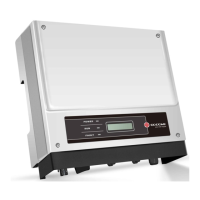
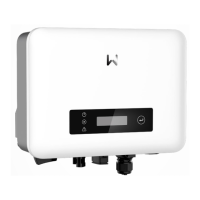
1.1 Power WiFi inverter (or EzLogger Pro WiFi) on.
1.2 If you are configuring WiFi inverter, make sure the yellow LED on
front cover is blinking. Otherwise please set WiFi reload through inverter.
1.3 Power WiFi router on.
1.4 Switch on the WiFi of laptop.
2. Connect laptop to “Solar-WiFi”
2.1 Search WiFi network and connect to “Solar-WiFi” (Password: 12345678).
2.2 Booting-Up Process


 To Next Page
 Loading...