Video Mode Settings. 1 of 4
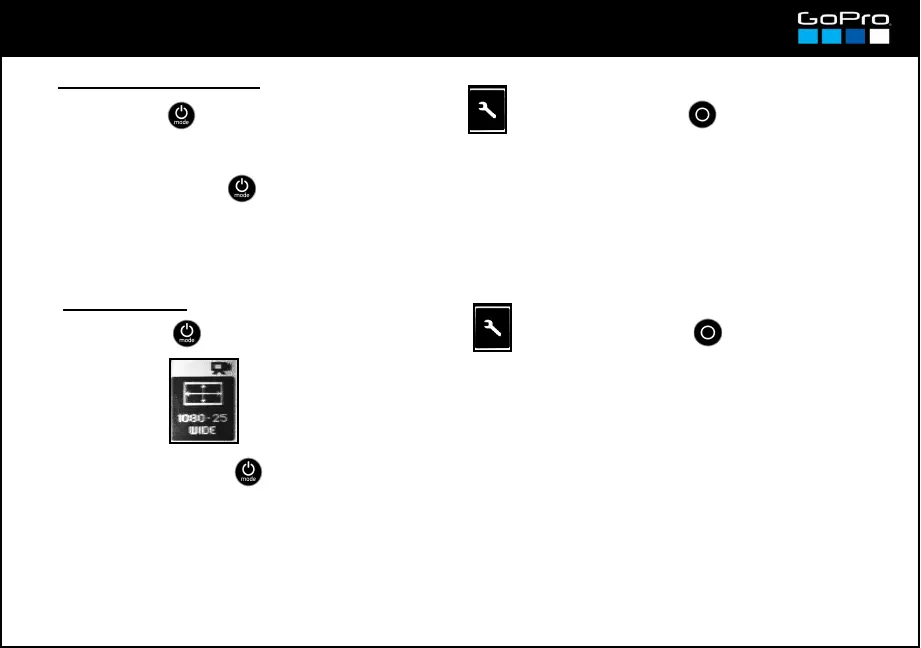
SET UP → NTSC/PAL → Select NTSC or PAL
● PAL / NTSC Mode
Although your area is PAL, the NTSC mode reaches higher fps in video formats like 720 (100fps for
PAL and 120fps(actually 119,8) for NTSC). Use NTSC if you need those speeds, in postproduction with
GoPro Studio you will be able to output the slow motion video in the required speed (24, 25 or 30).
● Resolution
See details on resolutions and their frame rates in card 26.
See video modes and their recommended use in card 27.
1080SUPER & 720SUPER formats use an even larger sensor area to provide an even wider
frame; this is independent from the Field of View setting and that gets locked in WIDE position
(see next card).
4K formats have a maximum frame rate of 15fps.
→ RES → Select: 4K 17:9 / 4K / 2.7K 17:9 / 2.7K / 1440 /
1080SUPER / 1080 / 960 / 720SUPER / 720 / WVGA
13
- Press POWER until you see the Settings Screen , enter with SHUTTER button and go to:
- To exit press POWER until you get to EXIT.
- To exit press POWER until you get to EXIT.
- Press POWER until you see the Settings Screen , enter with SHUTTER button and go to:














 To Next Page