14
Video Mode Settings. 2 of 4
● Frame Rate
● Field of View
Every resolution allows only certain frame rates, see table in card 26.
Most NTSC frame rates are not rounded numbers, see card 26 for details.
The camera has a fixed wide angle lens, but you can select among 3 fields of view: Wide / Medium /
Narrow. Normally you´ll use Wide, but if you want to come closer to the action choose Medium or Narrow.
The camera does this using a smaller central area of the sensor, see table in card 28.
→ FPS → Select: 12 / 15 / 24 / 30 / 48 / 60 / 100 / 120 / 240 fps (for NTSC)
12 / 12.5 / 24 / 25 / 48 / 50 / 100 / 240 fps (for PAL)
→ FOV → Select: Wide / Medium / Narrow
- To exit press POWER until you get to EXIT.
- To exit press POWER until you get to EXIT.
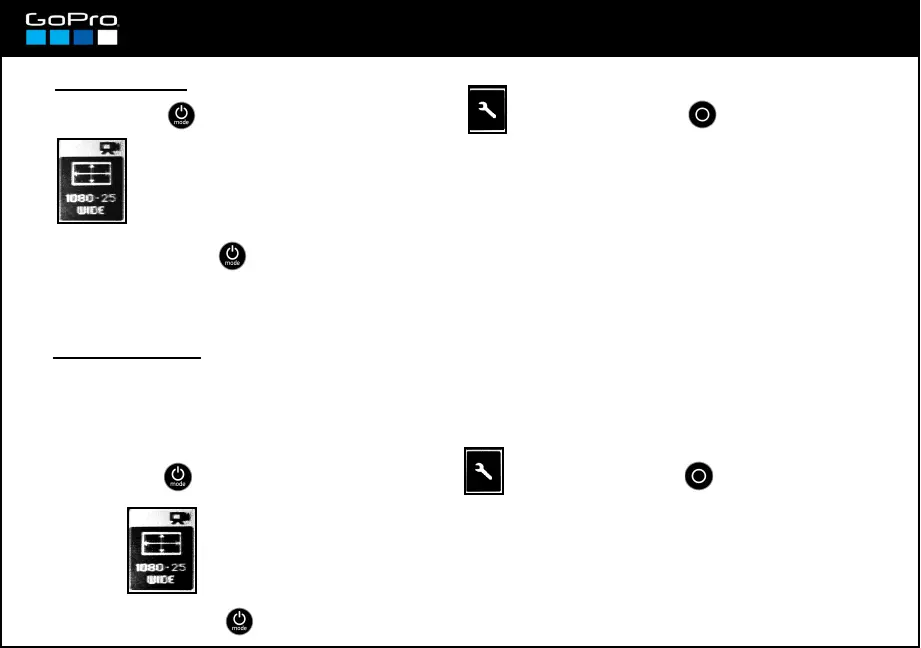
- Press POWER until you see the Settings Screen , enter with SHUTTER button and go to:
- Press POWER until you see the Settings Screen , enter with SHUTTER button and go to:














 To Next Page