Other Settings. 2 of 4
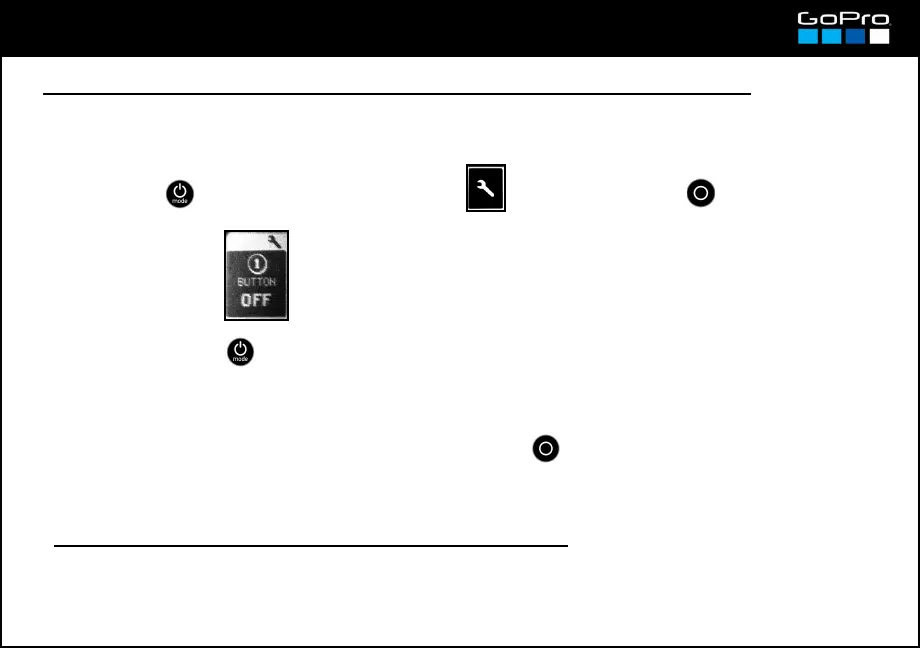
● To start recording automatically when you turn On the camera
It is called One Button Mode and is useful when mounting the camera on a bicycle or places where you
want to save battery (keeping the camera Off) but when you turn On is for recording straight.
SEP UP→ → On / Off
- Next time you turn On the camera it will start recording automatically.
● Checking the Software version of the camera
When you turn On the camera the screen shows the installed software version for a couple of seconds.
- To cut the recording you must press and hold the SHUTTTER button. The camera jumps directly to
the One Button Mode screen in case you want to deactivate the it.
23
- Press POWER until you see the Settings Screen , enter with SHUTTER button and go to:
- To exit press POWER until you get to EXIT.














 To Next Page