22
Other Settings. 1 of 4
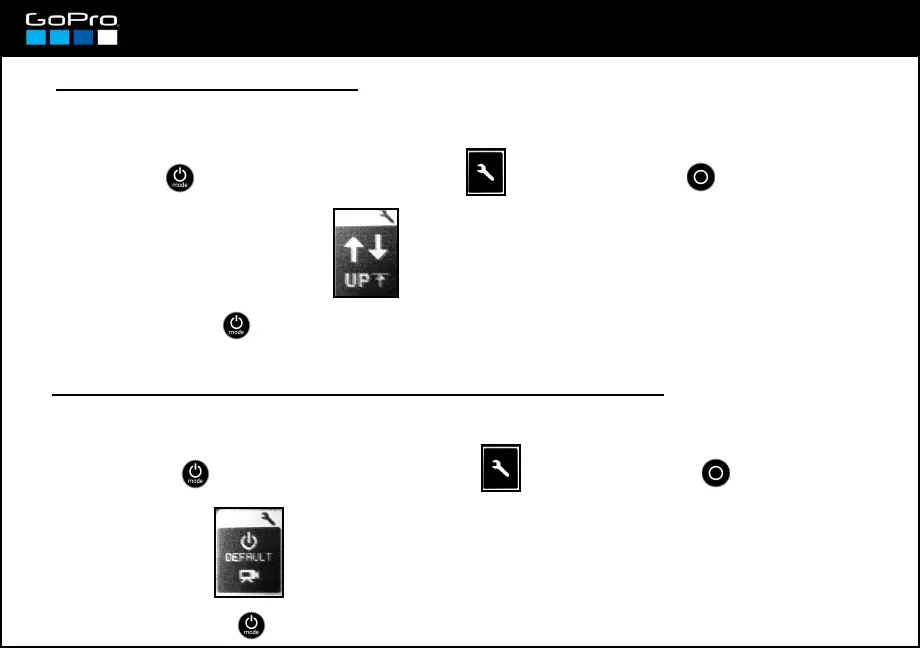
● Invert the recording image
CAPTURE SETTINGS→ → On / Off
If you are going to record with the camera mounted upside down you can invert the image so you don´t
have to do it later in post.
● Turning On the camera in a particular operation mode
SEP UP→ →
When you turn on the camera Video Mode pops up by default, but you can select which mode you want
to start with:
Video / Photo / Burst Photo / Time Lapse
- Press POWER until you see the Settings Screen , enter with SHUTTER button and go to:
- To exit press POWER until you get to EXIT.
- Press POWER until you see the Settings Screen , enter with SHUTTER button and go to:
- To exit press POWER until you get to EXIT.














 To Next Page