32
CAPTURE SETTINGS
CAPTURE SETTINGS
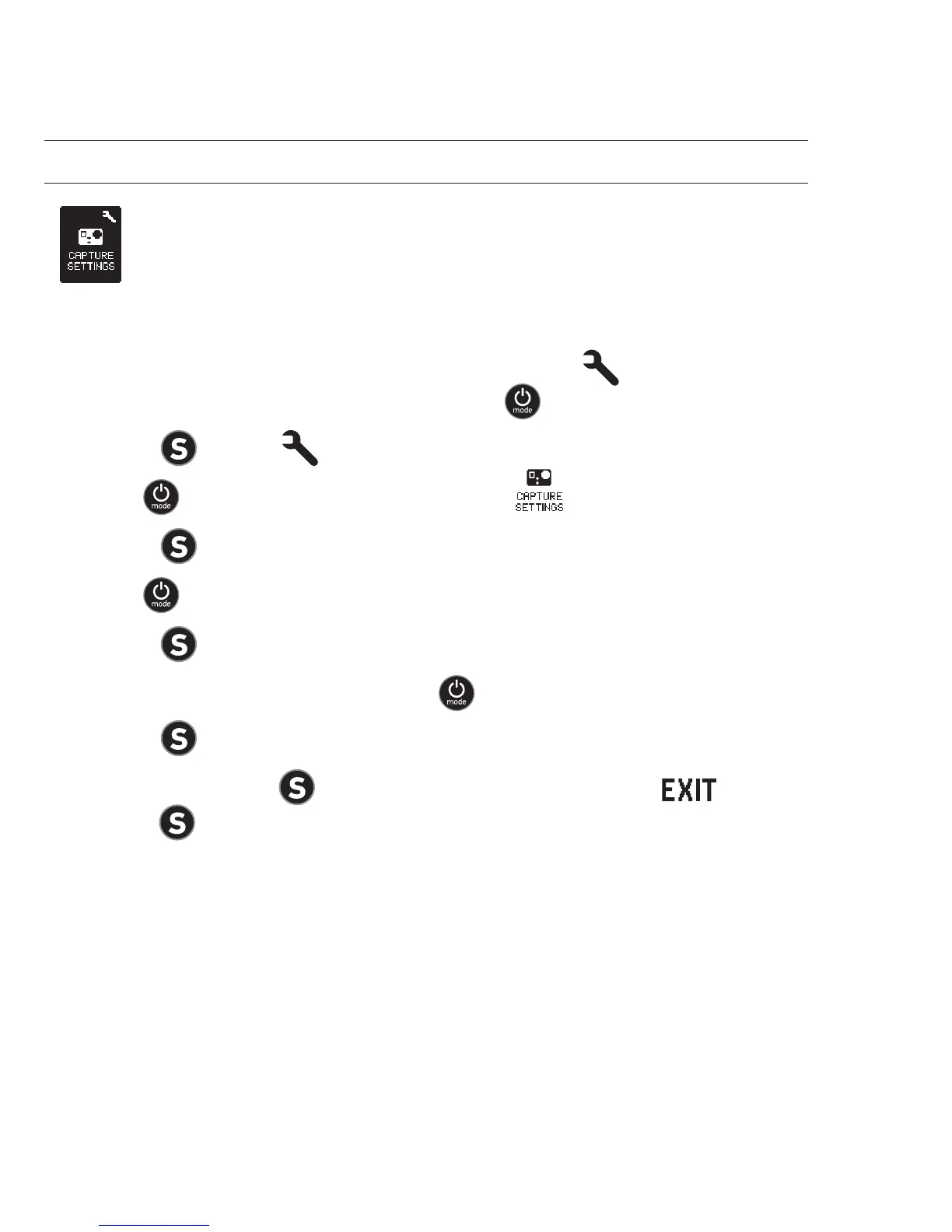
To enter the Capture Settings menu:
1. Verify the camera is in Settings mode. If the Settings
icon
on your
camera’s LCD screen
is not showing, press repeatedly until it appears.
2. Press
to enter .
3. Use
to cycle through Settings to locate .
4. Press
to enter Capture Settings.
5. Use
to locate the desired option to change.
6. Press
to select the desired option.
7. Some options have a sub-menu. Use
to cycle through the sub-menus.
8. Press
to select a highlighted option.
9. To exit, hold down
for two seconds or cycle through to and
press
.



 To Next Page