56
BAT TERY LIFE
CHARGING BATTERY
The battery icon displayed in the camera’s LCD will blink when the battery drops below
10%. If recording is occurring when battery reaches 0%, the camera will save the file
and power OFF.
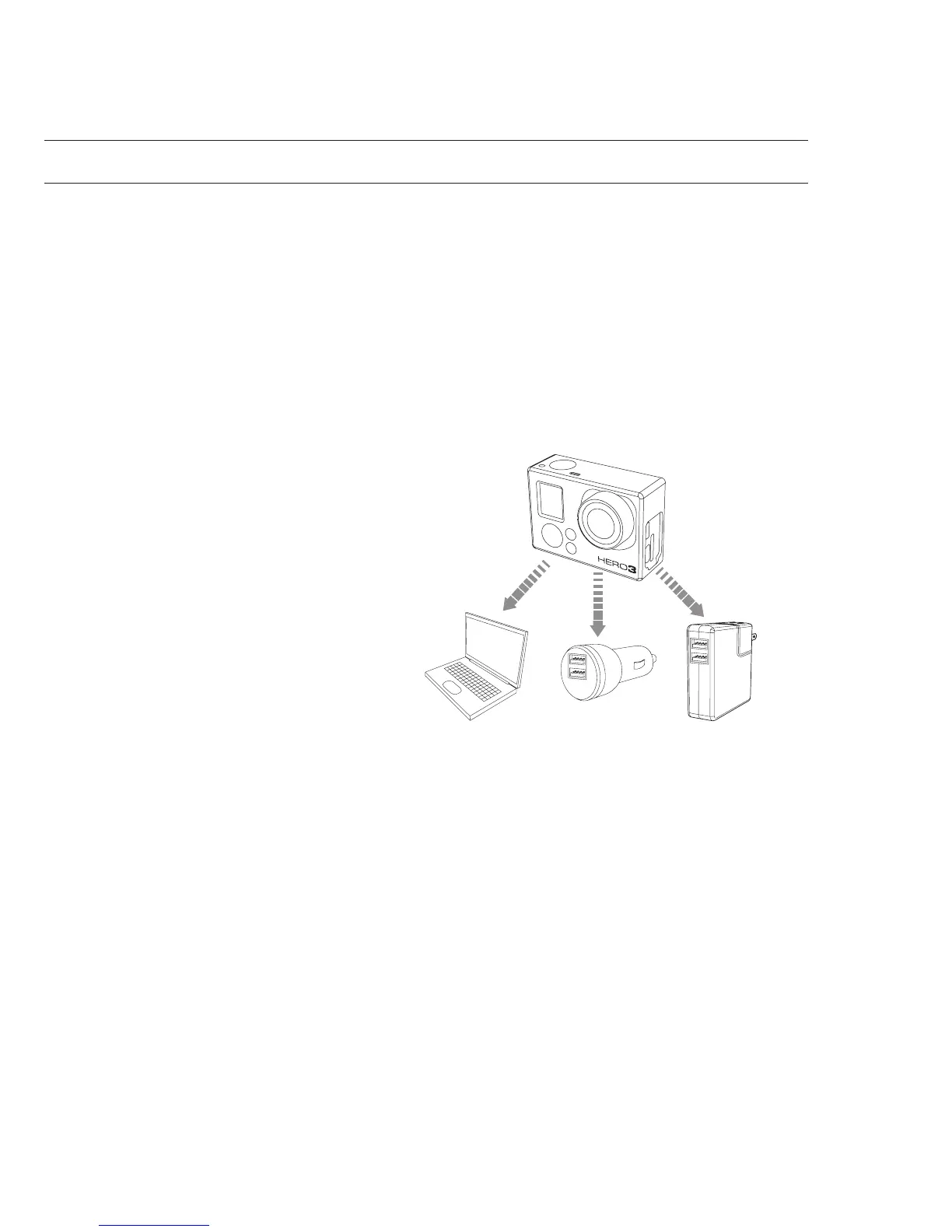
To charge the battery:
1. Connect the camera to a
computer or USB power supply
(such as the GoPro Wall Charger
or GoPro Auto Charger).
2. The red Status Indicator Light
remains ON while the battery
is charging.
3. The red Status Indicator Light
will turn OFF when the battery is
fully charged.
The battery will charge to 80% in one hour and 100% in two hours when using
GoPro’s 1000mAh USB-compatible Wall or Auto Charger. Other chargers may
charge at only half this rate.
No damage will occur to the camera or the battery if used together prior to full charge.
Spare batteries and additional charging accessories are available at gopro.com.



 To Next Page