49
WIRELESS CONTROLS
WIRELESS CONTROLS
The built-in Wi-Fi allows your HERO3 camera to connect to the Wi-Fi Remote
and smartphone/tablet via the GoPro App.
To turn Wi-Fi ON/OFF via the Wi-Fi button:
Press and hold
until blue lights flash. When turning Wi-Fi ON the Wi-Fi
mode will be set to the most recently used mode.
USING HERO3 WITH THE WI-FI REMOTE
Connect your HERO3 with the Wi-Fi Remote to control your camera remotely.
The Wi-Fi Remote can control up to 50 cameras at a time at distances of up to
600’/180m in optimal conditions.
1. Power ON the HERO3 and turn Wi-Fi ON.
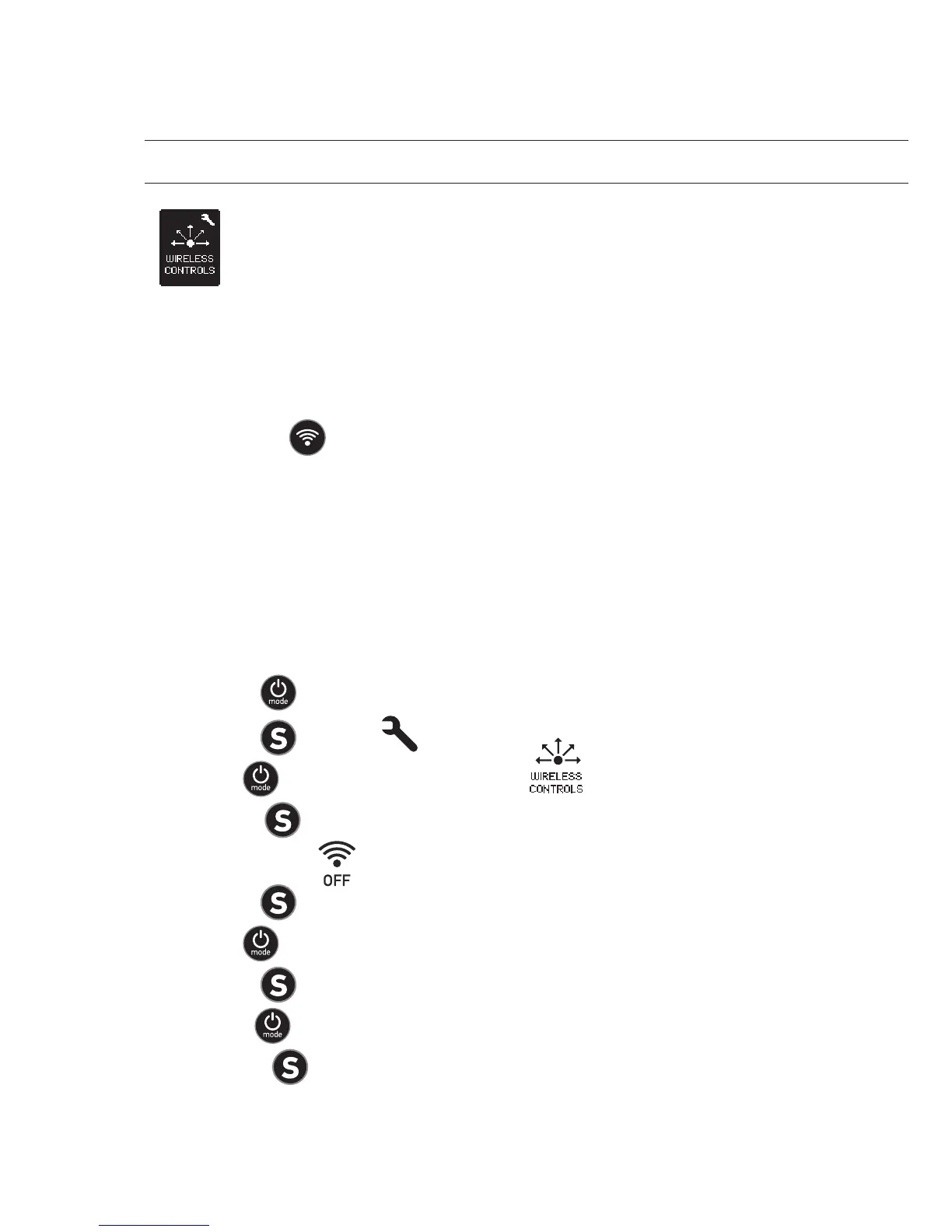
2. Press
to cycle through to the Settings menu.
3. Press to enter .
4. Use to cycle through to locate .
5. Press to enter Wireless Controls .
6. You will see .
7. Press again to enter the sub-menu.
8. Use to select Wi-Fi RC.
9. Press to select it.
10. Use to select CURRENT or NEW.
11. Press to select desired option.



 To Next Page