50
WIRELESS CONTROLS
WIRELESS CONTROLS "CONTINUED#
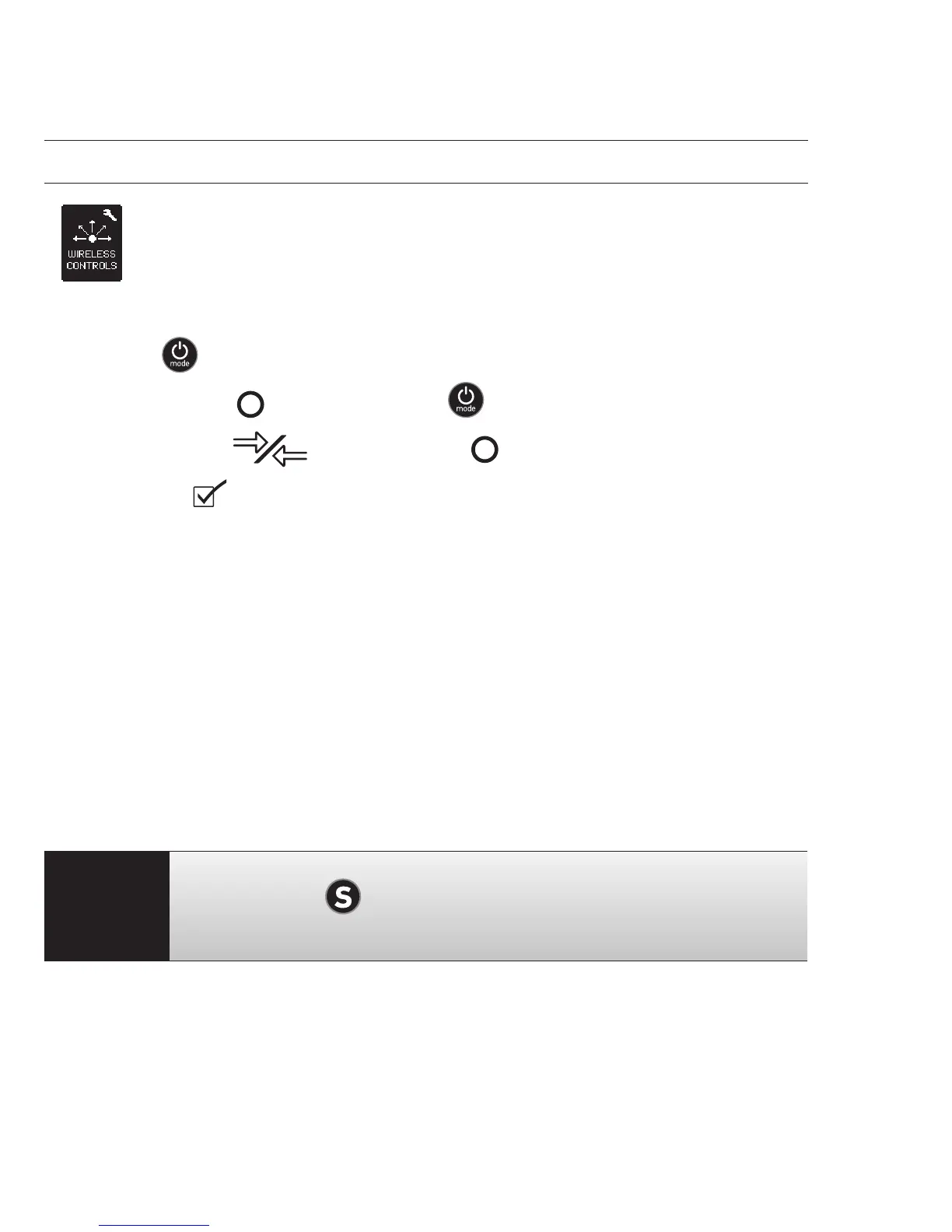
On your Wi-Fi Remote:
1. Press
to turn ON the GoPro Wi-Fi Remote.
2. While holding
, press and release .
3. Once you see
, you can release .
4. A check
will appear once the Wi-Fi Remote and camera have
successfully paired.
The Wi-Fi Remote’s LCD screen will now mirror the HERO3 LCD screen.
USING THE HERO3 WITH THE GOPRO APP
The GoPro App lets you control your camera remotely using a smartphone or
tablet. Features include full camera control of all settings, live video preview to
your smartphone or tablet for easy shot framing and more.
The GoPro App is available for free at the Apple App Store and is coming soon
to Google Play.
PRO
TIP:
Before you hit
, see what your HERO3 camera sees by
viewing it on your smartphone or tablet’s screen.
"See gopro.com for more information.



 To Next Page