51
STORAGE/MICROSD CARDS
The HERO3 camera is compatible with 2GB, 4GB, 8GB, 16GB, 32GB and 64GB
capacity microSD, microSDHC and microSDXC memory cards. While all speed class
ratings are compatible, GoPro requires using an SD card with Speed Class Rating
10 or higher speed when recording in Protune mode, or when using the 0.5 Time
Lapse setting. GoPro recommends using brand name memory cards for maximum
reliability in high-vibration activities.
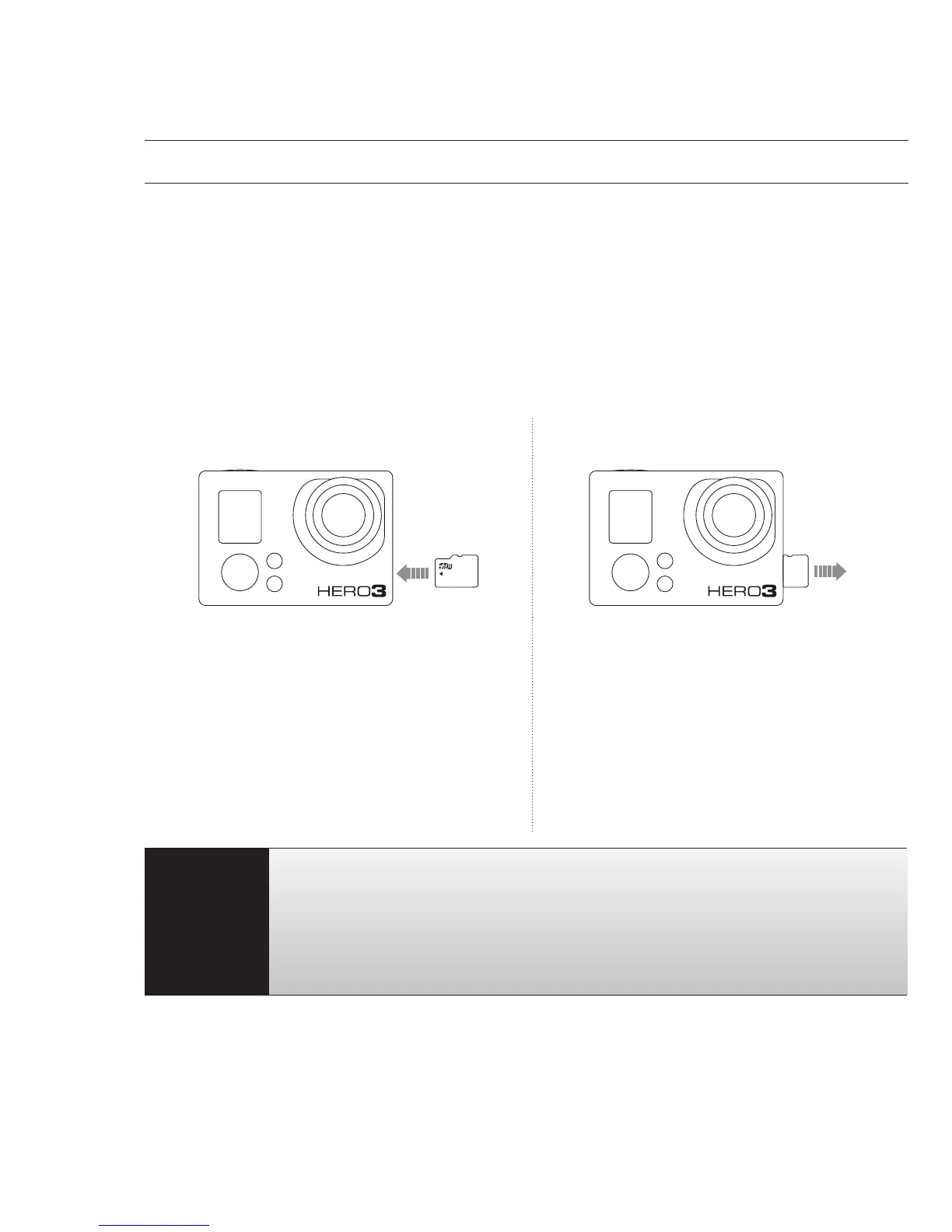
To insert SD card: To remove SD card:
1. Slide memory card into card slot
with label facing front of camera.
2. The card will click into place when
fully inserted.
1. Place fingernail against edge of
memory card and lightly press
further into camera.
2. Card will spring out far enough to
be removed.
PRO
TIP:
Use care when handling memory cards. Avoid liquids, dust and
debris. As a precaution, turn off the camera before inserting or
removing the card. Check manufacturer guidelines regarding use
in acceptable temperature ranges.
"See PROTUNE for more information.



 To Next Page