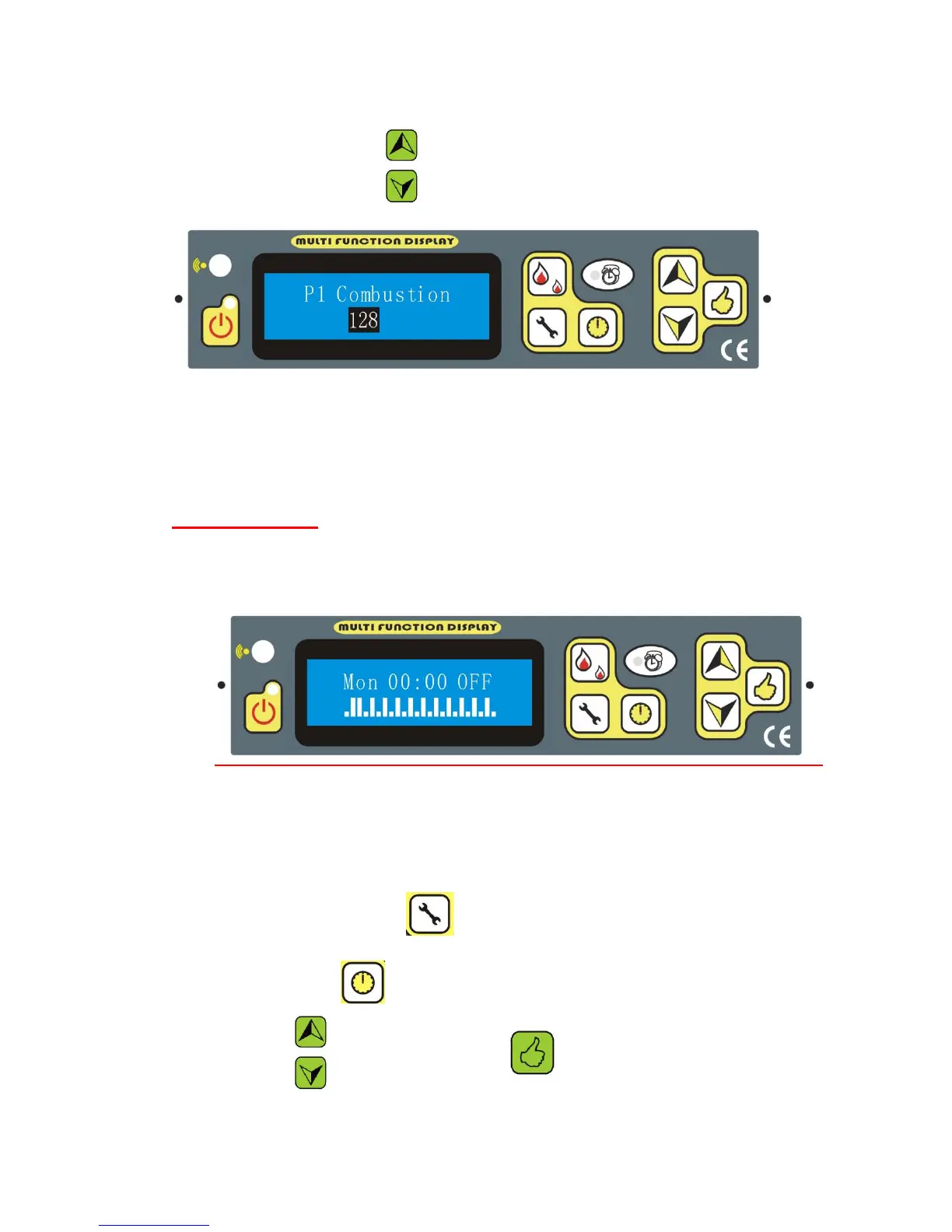
from P1 to P4, BY PRESSING
For example P1:
It should be noted, P5 is the speed of combustion fan when it is cleaning.
P6 is the speed of combustion fan during the lighting stage.
TIMER SETTING
On the display the following wording will appear
With this function you program the heater for a weekly programming, associating the
switching on and the switching off at the pre fixed timetables. You can program daily
switching on and switching off for the whole week.
By keeping pressing the key , you will found the attached instruction above,
Then you can press to choose week days
By pressing , to select hours, then press to decide the hour on or Off.



 To Next Page