• Push the upper or the lower button until r12 is displayed.
• Push the centre button.
• Push the lower or the upper button in order to switch between the settings 0 and 1 (-1 is only for
service).
o Setting 0 means the cabinet is OFF.
o Setting 1 means the cabinet is ON.
• Confirm the new setting by pushing the centre button.
In order to skip the r01 parameter, the controller does only need to be left untouched for approx. 30
seconds. This will make the controller fall back to the normal operation mode, meaning that the
cabinet will either be in OFF – mode or be running.
Cabinet light
On all cabinets, besides the MIDI glass door cabinets with internal light, the cabinet light is placed on the
cabinet outside, above the door. This light is operated by the main controller which means that the way it
works cannot be changed.
When the cabinet door is opened the light above the door is turned on. When closing the door again, the
cabinet light above the door will remain on for two minutes. These two minutes are a main function in the
Danfoss controller which cannot be adjusted. Two minutes after closing the door the light will switch off.
Switching the internal light (Only on MIDI Glass door products - KG/FG)
On a Midi glass door cabinet, the cabinet LED lights are placed on the left and the right front wall rails
inside the cabinet storage room. The light can be operated in two different ways:
1. When the cabinet door is opened the internal light is turned on. When closing the door again, the
cabinet internal light will remain on for two minutes. These two minutes are a main function in the
Danfoss controller which cannot be adjusted. Two minutes after closing the door the light will switch
off.
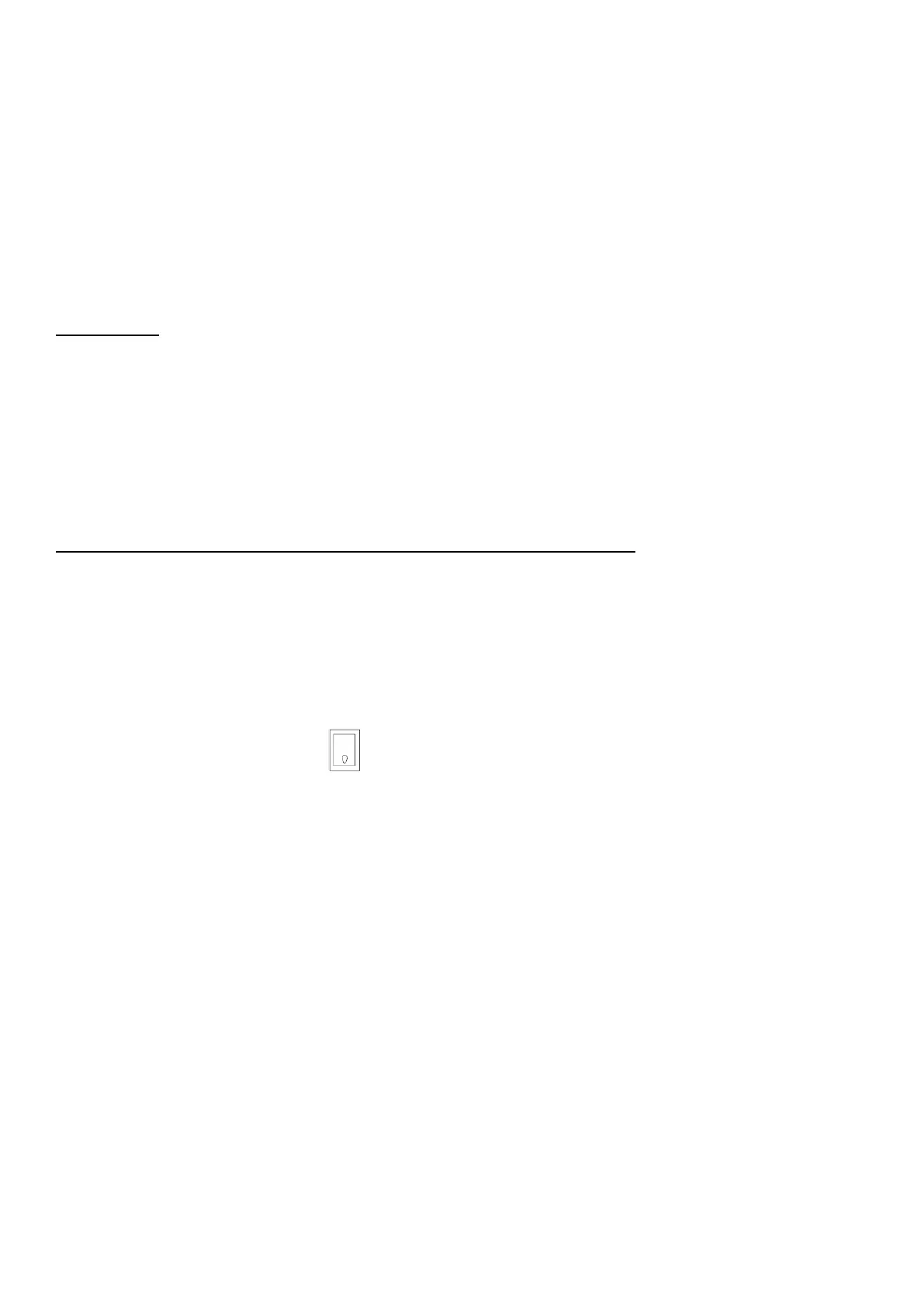
2. By switching the light toggle switch in the left front of the top control box, placed behind the top
panel, to the position showing a light bulb, the internal light will be turned on constantly (not affected
by opening and closing the door).
Errors and alarms


 To Next Page