2 Operating 2.6 Set date and time
2.6 Set date and time
To change the date and time:
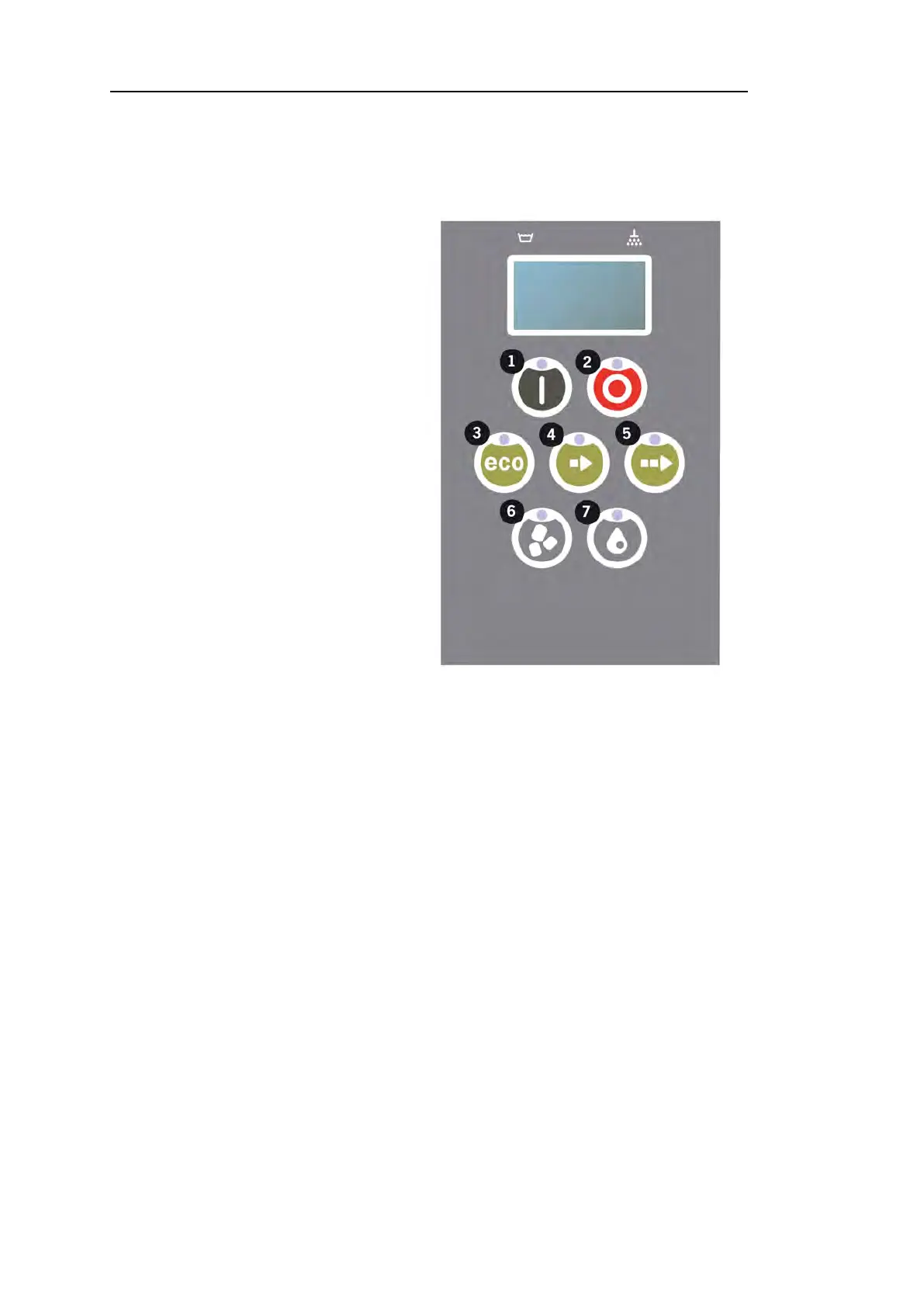
11 Press STOP (2), then press
Short program button (4) 5
times and 1 time on ECO pro-
gram button (3).
Change date and
time
ddmmyy hh:mm
210101 13:00
Choose Back
22 Press Function button (1) to choose and to be able to change date and
time.
Change date and
time
ddmmyy hh:mm
210101 13:00
OK Cancel
33 Adjust date and time by using Normal program button (5) to step to the
right. ^^ marks which number can be changed. Use Short program but-
ton (4) to change up and Granule button (6) to change down.
44 For OK and to save new settings press Function button (1). Use STOP but-
ton (2) to quit programming mode without saving.
30 Rev. 2021-12


 To Next Page