4 HACCP Hygiene and Operation
Documentation
4.4 Download of operation data
from USB Port
4.4 Download of operation data from USB
Port
11 Press STOP.
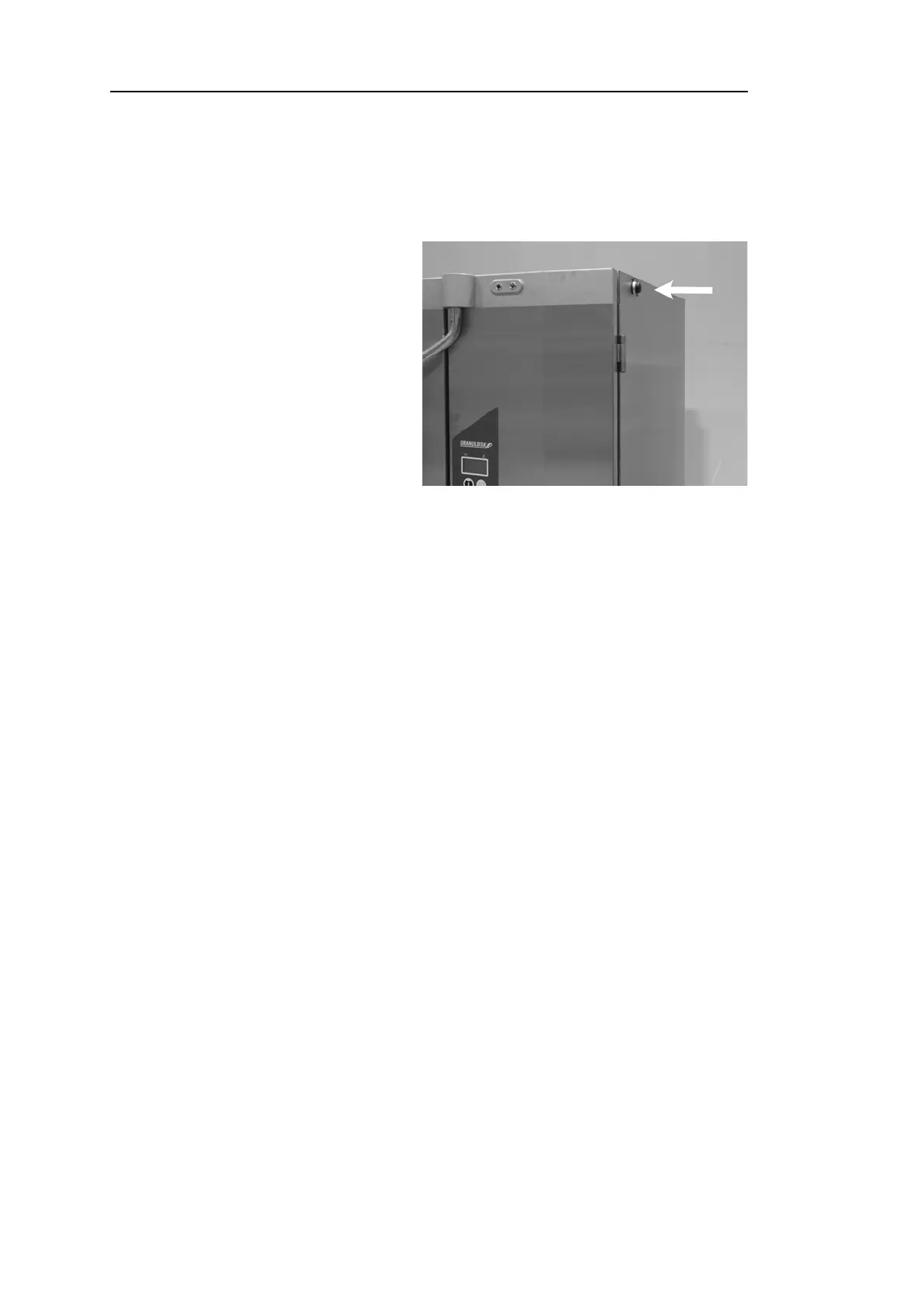
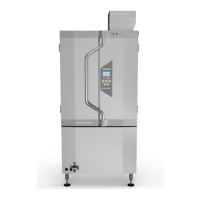
Fig. 31 USB port
22 Insert a USB stick.
The USB port is found on the
right side of the machine.
See Fig. 31 USB port
33 Hold ECO and Normal program buttons in for 2 seconds.
44 After 10 seconds, function button lights up in green.
55 When green light goes out, the USB stick is ready to take out.
66 Make sure to close the protective cover cap by pressing it firmly after
each use!
44 Rev. 2021-12


 To Next Page