(6)-3 Remove/Exchange USB Memory
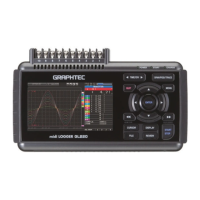
The GL220 allows you to exchange the USB memory while data is captured to it.
Exchange the USB memory in accordance with the following procedure:
(1) Press the FILE key to open the FILE menu.
(2) Move the cursor to Remove/Exchange USB Memory and press the ENTER key.
(3) You can remove the USB memory device when the message is displayed.
Do not remove the USB memory device before the message is displayed. Data may become corrupt and
inaccessible.
(4) Insert a new USB memory device.


 To Next Page
