3-80
CHAPTER 3 Settings and Measurement
(10)-1 Move to First Data
Executing this option moves the currently selected cursor (A or B) to the start of the data.
(10)-2 Move to Last Data
Executing this option moves the currently selected cursor (A or B) to the end of the data.
(10)-3 Move to Center
Executing this option moves the currently selected cursor (A or B) to the center of the data.
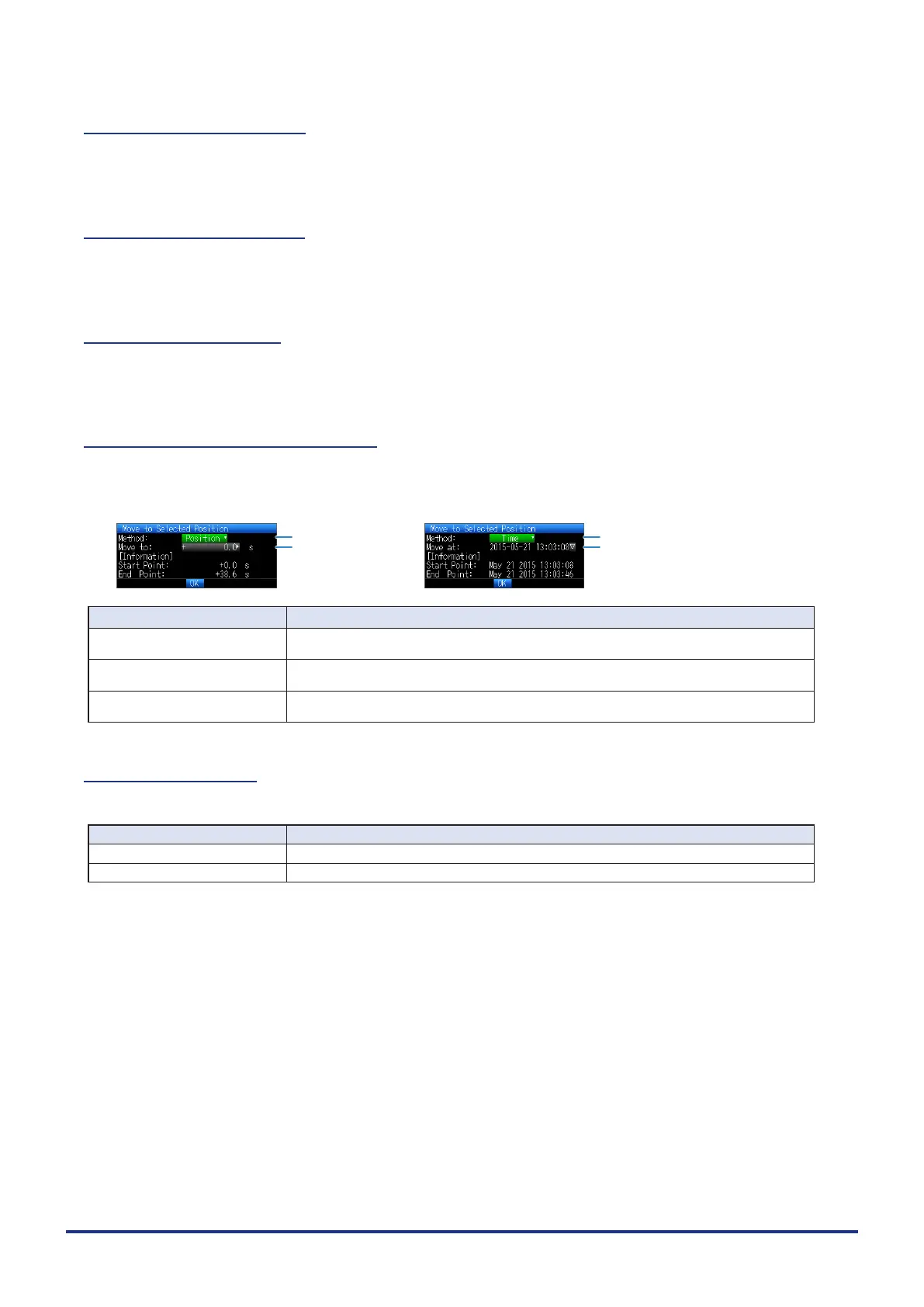
(10)-4 Move to Selected Position
Sets a position (relative position in time) or time and moves the currently selected cursor (A or B) to this
position or time.
<If the Method is Position> <If the Method is Time>
(1)
(2)
(1)
(3)
Setting Selections available
(1) Method Sets the method for specifying the position to move the cursor.
Select Position or Time.
(2) Position Sets the position to move the cursor. The cursor can be set from the capture start position
assumed as the Start Point 0s up to the end point value.
(3) Time Sets the date and time to move the cursor. The cursor can be set from the capture start
position assumed as the Start Point date/time up to the end point value.
(10)-5 Cursor Sync
Sets up the function that moves two cursors in synchronization.
Selection item Description
Off Cursors are not synchronized. Only the specied one cursor moves.
On Two cursors move in synchronization. Cursor A is always the fulcrum.
* Cursor Synch is turned Off when you move a cursor using Move to Selected Position or perform Data Search.















 To Next Page