7
VIEW/MODIFY/DELETE YOUR ENTERED PROGRAM SELECTIONS
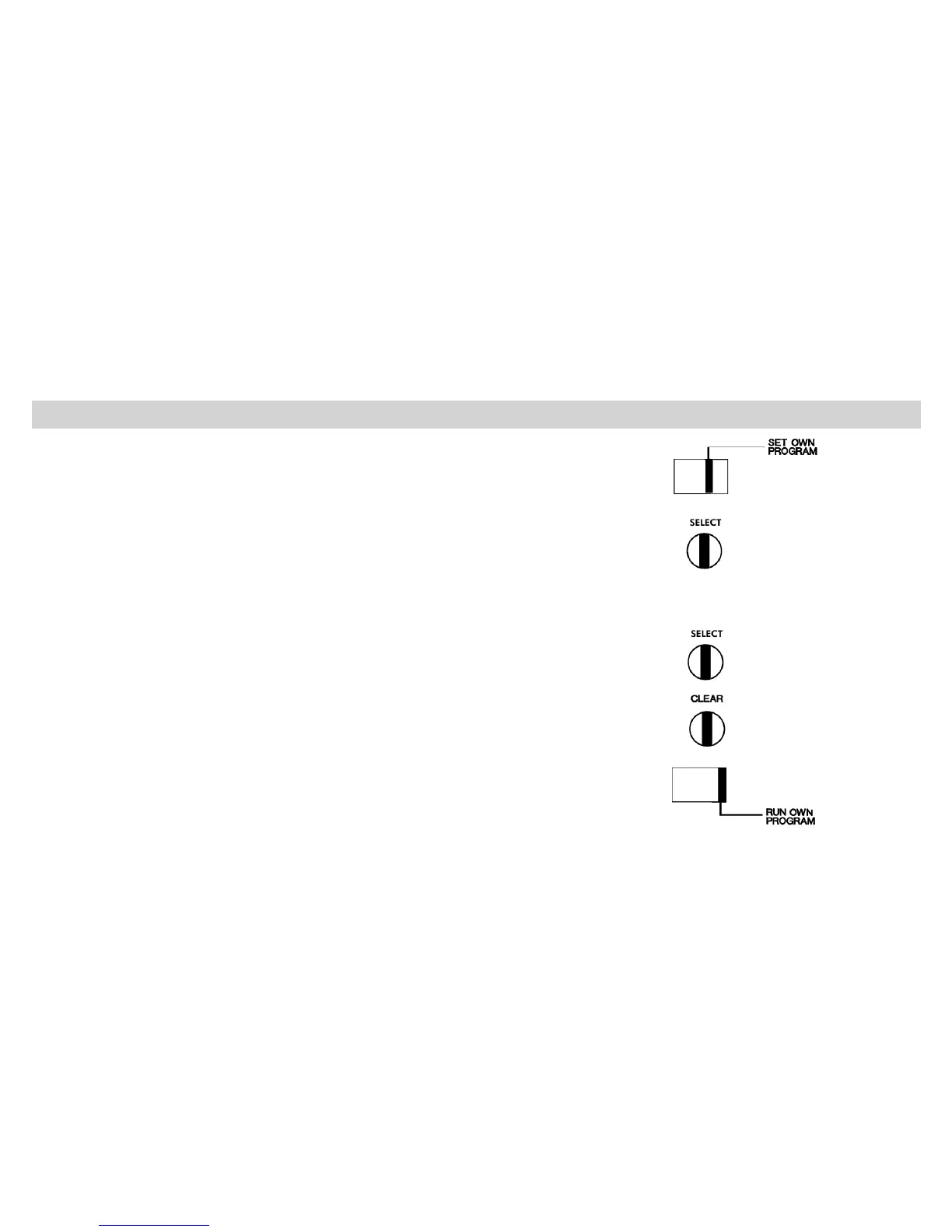
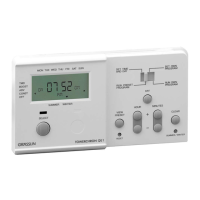
➯ Move the slide switch to position “SET OWN PROGRAM”
To view/modify your entered ON/OFF times:
➯ Press the “SELECT” button repeatedly
NB • While you are viewing any program selection, you can modify the
contents with the “DAY”, “HOUR” and “MINUTES” button.
To delete your entered ON/OFF times:
➯ Press the “SELECT” button repeatedly until the desired ON or OFF
time to be deleted appears.
➯ Press the “CLEAR” button. The selection displayed will be deleted.
To return time of day:
➯ Move the slide switch to “RUN OWN PROGRAM”


 To Next Page