24
SETTING YOUR OWN HEATING/HOT WATER PROGRAM
Both Heating and Hot Water will be turned ON and OFF at the same time.
It is recommended that you write down the switching times (sheet attached).
The following day groups are selectable:
Mon...Fri, Sat + Sun, Mon...Sat, Mon...Sun or any individual day.
➯
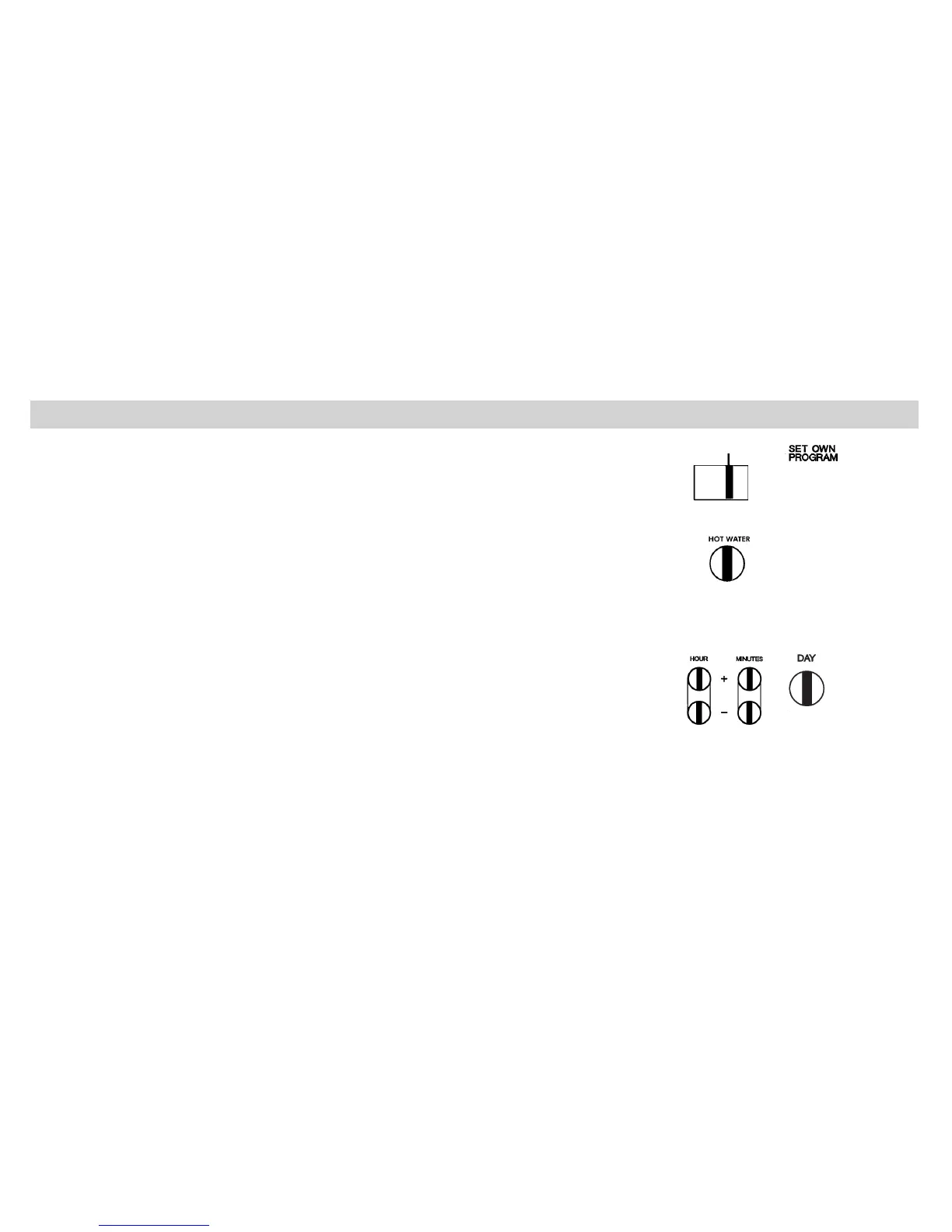
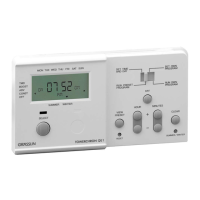
Move the slide switch to position “SET OWN PROGRAM”
The first program is displayed.
1. To set “ON” time and day combination:
➯
Press “HOUR +/-” then “MINUTES +/-” buttons
➯
Press “DAY” button to select day/day groups


 To Next Page