20
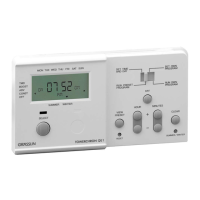
PROGRAMMING YOUR “TOWERCHRON QE2”
SETTING CURRENT TIME AND DAY
➯ Open the keypad cover
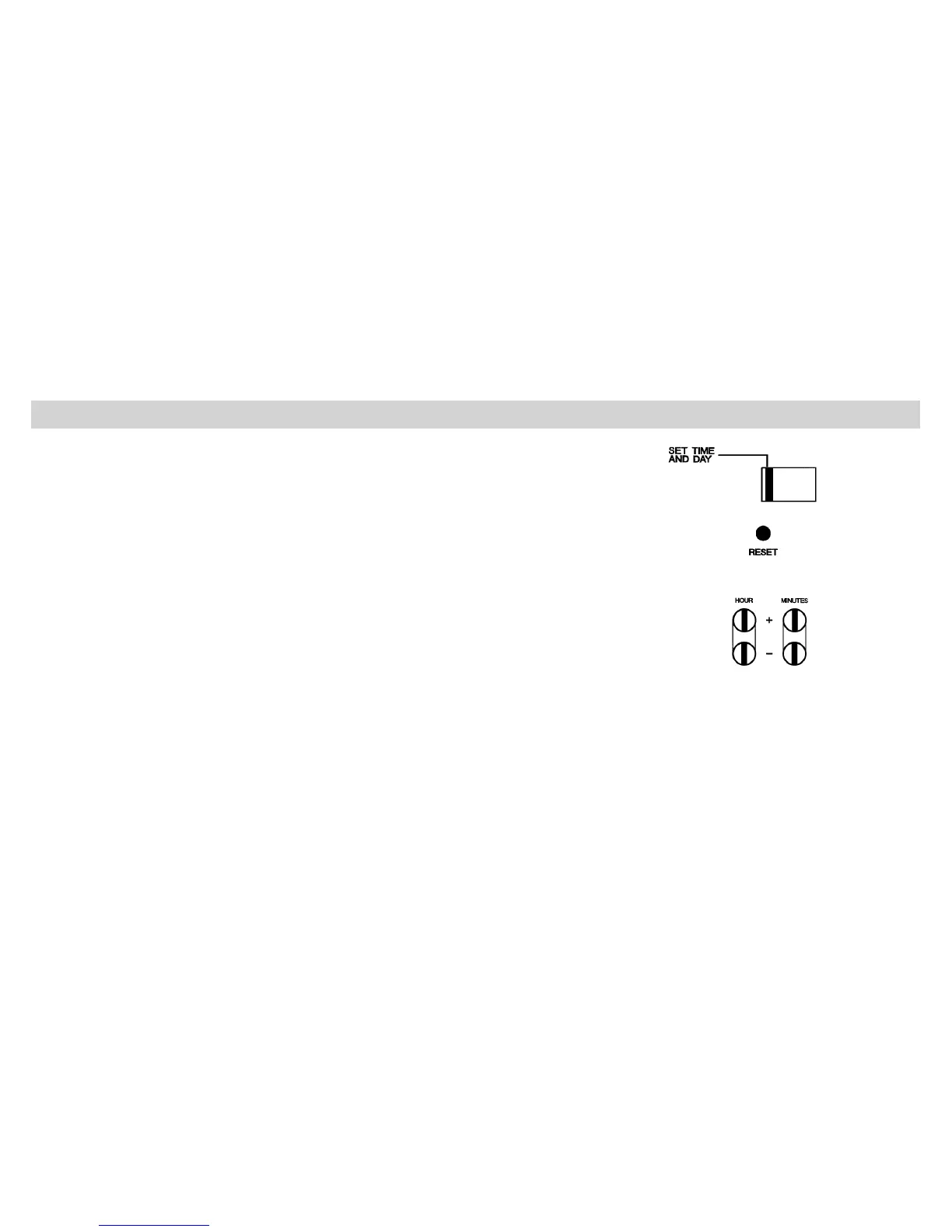
➯ Make sure that the slide switch is on position “SET TIME AND DAY” to the left.
If the battery is in a fully discharged condition at the moment of installation then
the screen will be blank. The screen will start to display 2 minutes after plug-
ging into mains supply. Now operate the “RESET” button.
➯ Press the “RESET” button with a dull pointed instrument once
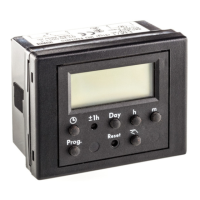
➯ Press the “DAY” button until the actual day is marked
➯ Repeatedly press “HOUR +/-”, then “MINUTES +/-” buttons until
current time is displayed.
NB • If you are setting the clock in wintertime (GMT): The clock is now
correctly set. If you are setting the clock in summertime (BST): Press
the “Summer/Winter” button once. The arrowhead at the bottom
of the display moves to indicate Summertime, and the clock is
correctly set.


 To Next Page