27
3. To set the first Heating “OFF” time and day combination
➯
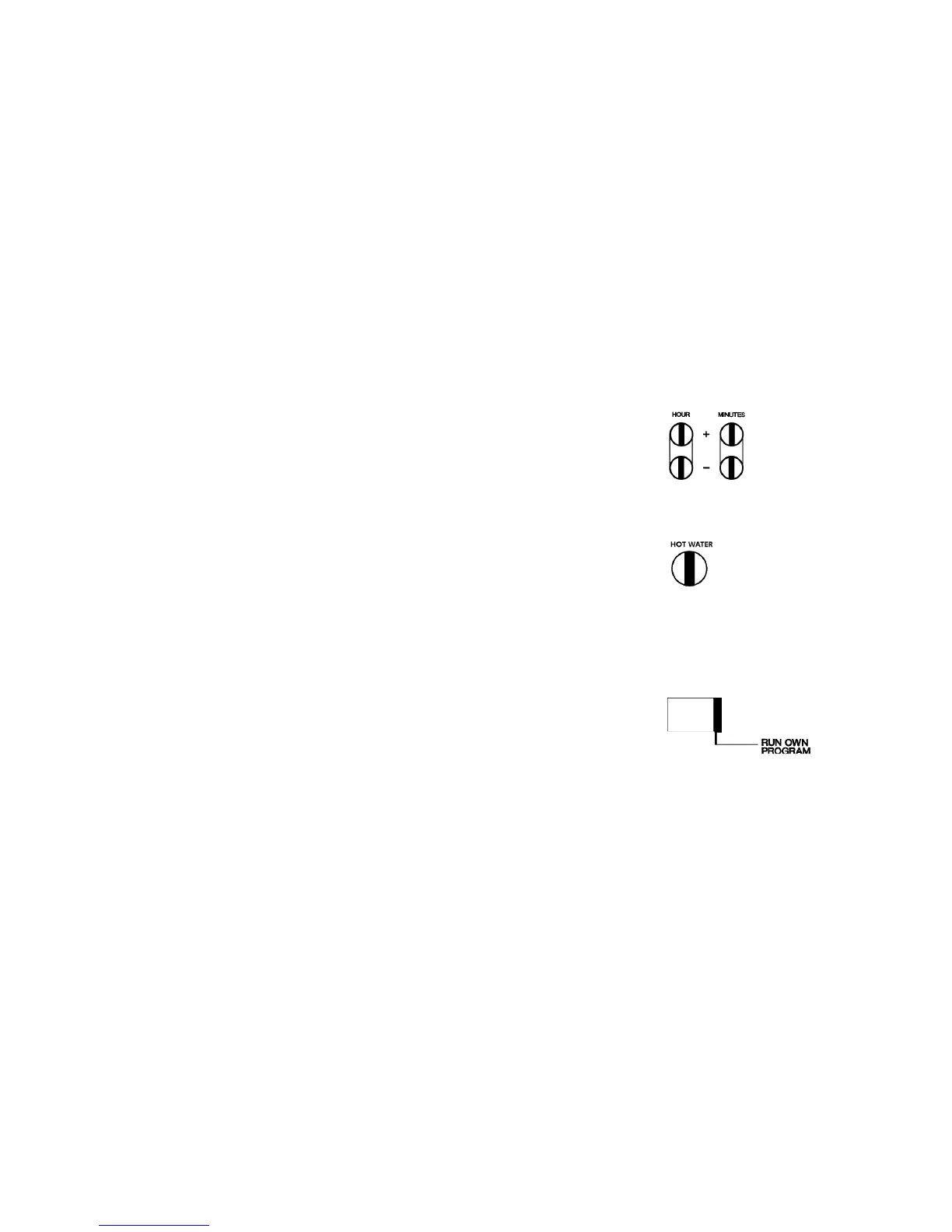
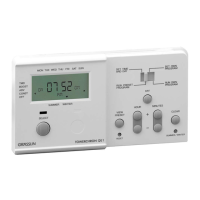
Press the “HOUR +/-” then “MINUTES +/-” buttons
(the day/day groups that were selected during “ON” time
programming are still in memory for this “OFF” time)
4. To store Heating “OFF” time and day combination
➯
Press the “HEATING” button
The next free program place is displayed.
Repeat steps 1 to 4 to enter further “ON” and “OFF” times.
After completing your own program:
➯
Move the slide switch to position “RUN OWN PROGRAM”
NB • The current time is displayed and your own progrm
is now active.


 To Next Page