31
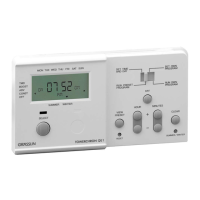
To delete your entered program selections:
To delete Heating times:
➯
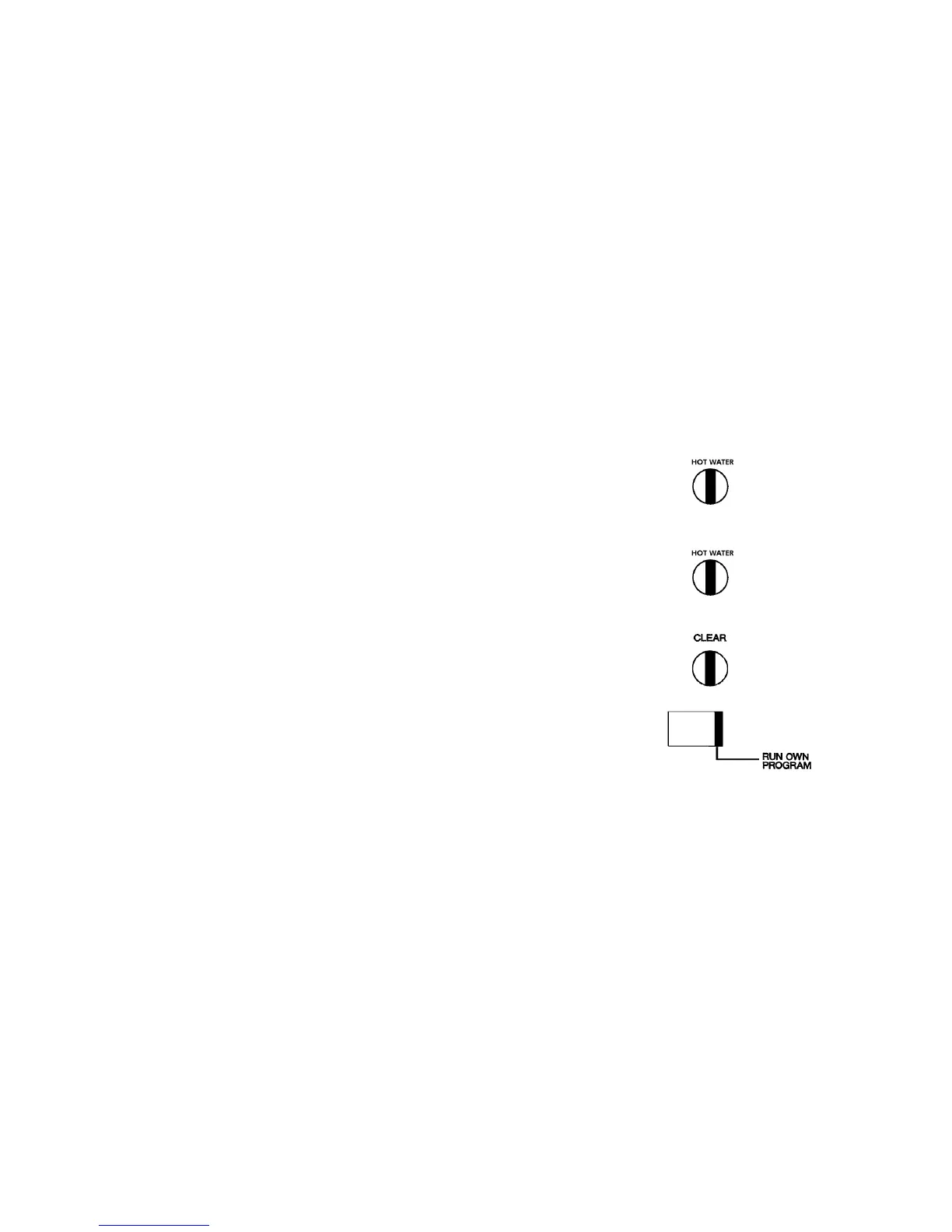
Press the “HEATING” button repeatedly until the desired ON or OFF
time to be deleted appears.
➯
Press the “CLEAR”-button. The selection displayed will be deleted.
To delete Hot Water times:
➯
Press the “HOT WATER” button repeatedly until the desired ON or OFF
time to be deleted appears.
➯
Press the “CLEAR” button. The selection displayed will be deleted.
To return to time of day:
➯
Press the “RUN OWN PROGRAM” button


 To Next Page