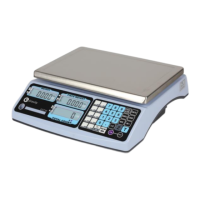
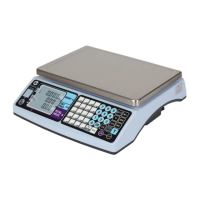
CWT7 USER AND SERVICE MANUAL
Revision: 03/2018 Page: 10
Advanced Functions
Warning: Due to regulation by Bureau of Weights and Measures of each State, for the
scales legal for trade, weight calibration is conducted by authorized dealers or your
local metrology workers using a known standard weight. Weight calibrations are
usually locked for end user, and therefore those functions are not accessible (Table).
Wrong operation by end user may cause the compliance issue or wrong performance
of the scale
Table: Availability of UF, ECF, and LF Functions with Calibration Switch
Location and Type Approval Settings
The following instructions are intended for trained scale dealers/distributors, state
inspectors.
Weight Calibration ECF1-ECF3
To enable weight calibration and other advanced functions, calibration switch inside
the scale must be at on position and LF6 has to set to nonE.
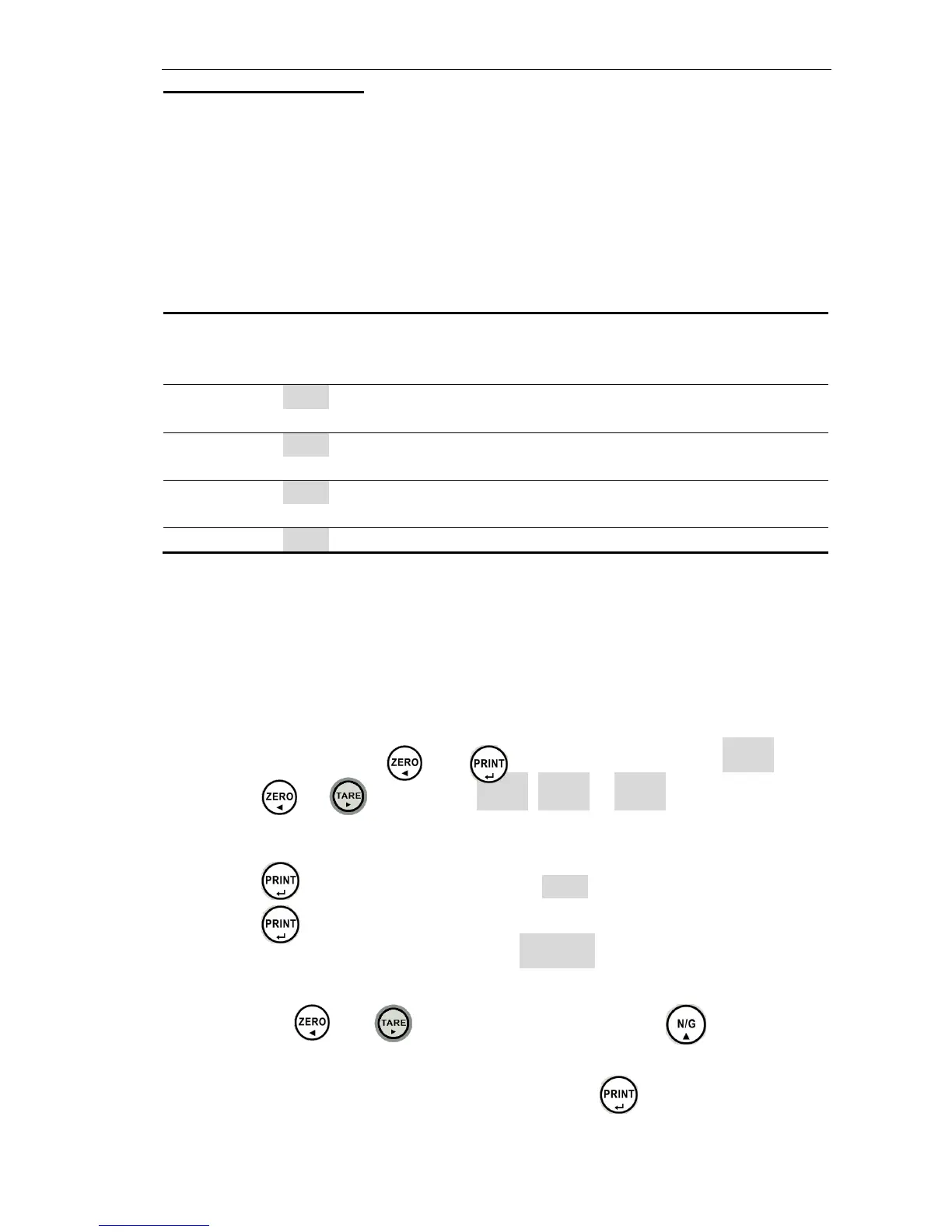
1. In weight mode, press the and keys, the display will show ECF- 1 .
2. Press the or key to select E C F - 1 , ECF-2 or ECF- 3 .
ECF-1 Zero and Span Calibration
1. Press the key to enter, display will show cALZ.
2. Press the key to calibrate zero point.
3. The display will show the calibration weight 006. 000 . Depending on the capacity,
your value can be different.
4. Use the keys and to select the digit, and press key to input
the weight value.
5. Put the calibration weight on the platter and press the key to calibrate.
The scale will return to weighing mode automatically.


 To Next Page