CWT7 USER AND SERVICE MANUAL
Revision: 03/2018 Page: 6
UF- 3 Auto-power off
Modes: AoF F 0 0 : Auto-turn off disabled.
A o FF0 1 : The balance will automatically turn off after 1 minute of inactivity.
This time can be set up to 99 minutes.
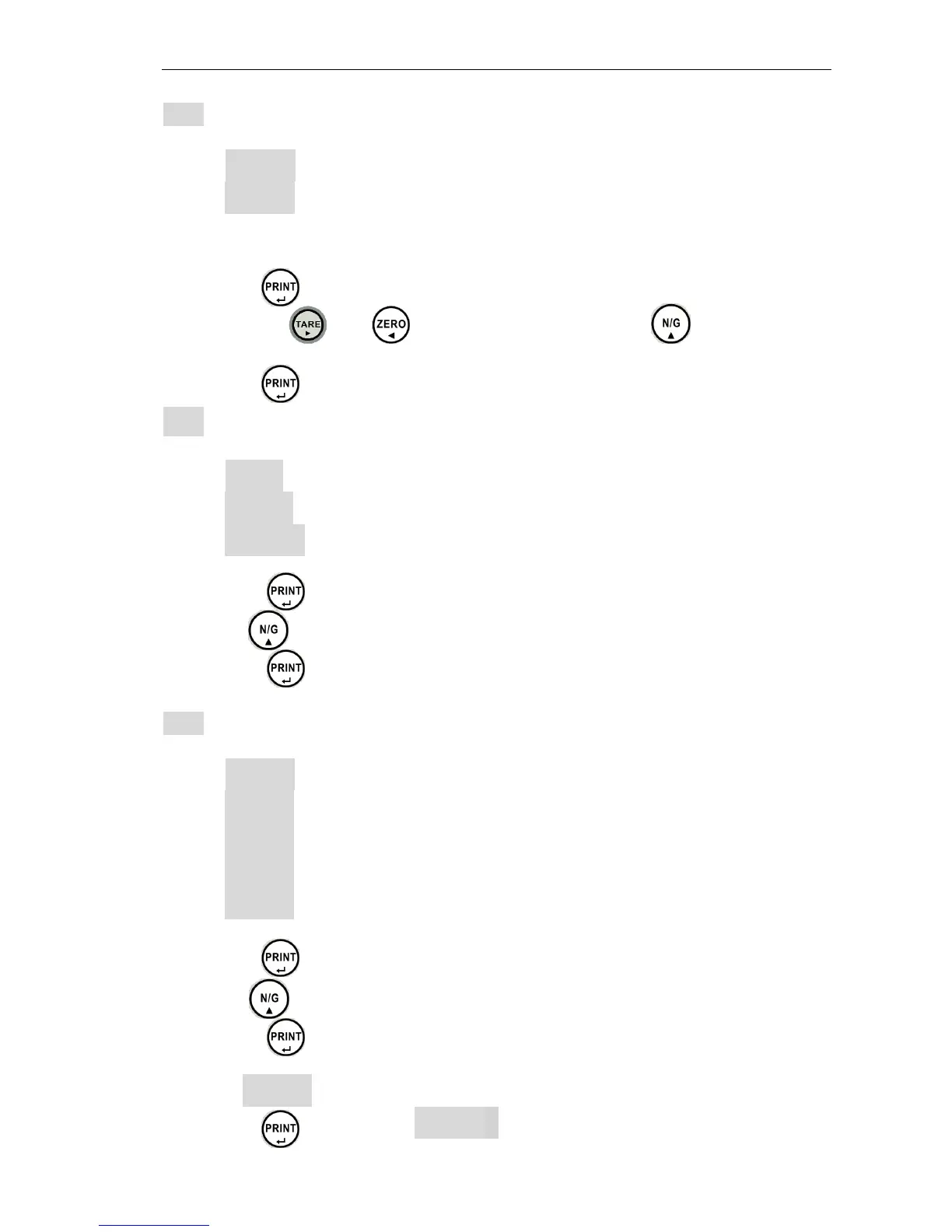
1. Press the key to access to auto-power configuration.
2. Use the keys and to move cursor and press the to select
number.
3. Press the key to confirm.
UF- 4 Backlight setting
Modes: lit a : Automatic
l it on : Backlight on
l it oFF: Backlight off
1. Press the key to access to backlight configuration.
2. Use the key to select the desired mode.
3. Press the key to confirm.
UF- 5 HOLD function (*)
Modes: HoLd 0 Disable
HoLd 1 Animal (motion) Hold function
HoLd 2: Peak value hold (when held can press any key to cancel)
HoLd 3 Stable hold (when held can press any key to cancel)
HoLd 4 Stable hold (when held can auto cancel at zero)
1. Press the key to access to hold function configuration.
2. Use the key to select the desired mode.
3. Press the key to confirm.
Remarks: HoLd 1 :
1. Press the key will show PCT002


 To Next Page