IS CHIPS COLLECTOR • 27
We advise you to save this configuration so that you do not have to re-program
it every time you switch the machine IS on. To do this, follow the procedure
described hereafter:
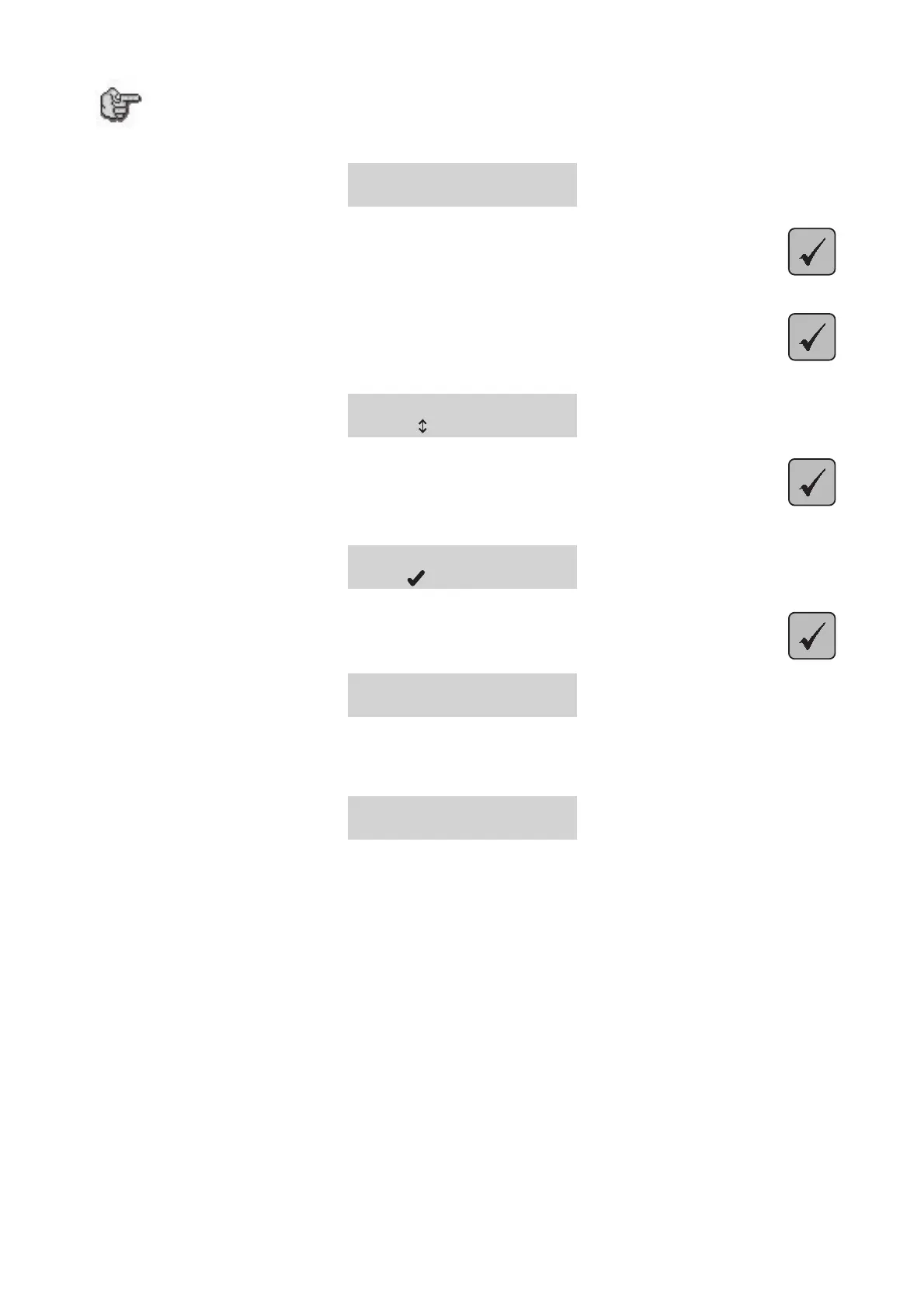
<READY TO RECEIVE>
1. Press
Press until the tool-holder moves:.
2. Press again
Press until the following screen appears:
SAVE CONFIGURATION
to select
3. Press
The following message appears:
SAVE CONFIGURATION
to confirm
4. Validate by pressing
SAVE CONFIGURATION
Saving...
The message on the screen indicates that the configuration you have realised is in the process of being saved.
This way, the configuration that you have just realised for your machine equipped with a H.F. spindle will be taken
into account every time you start the machine IS.
<READY TO RECEIVE>


 To Next Page