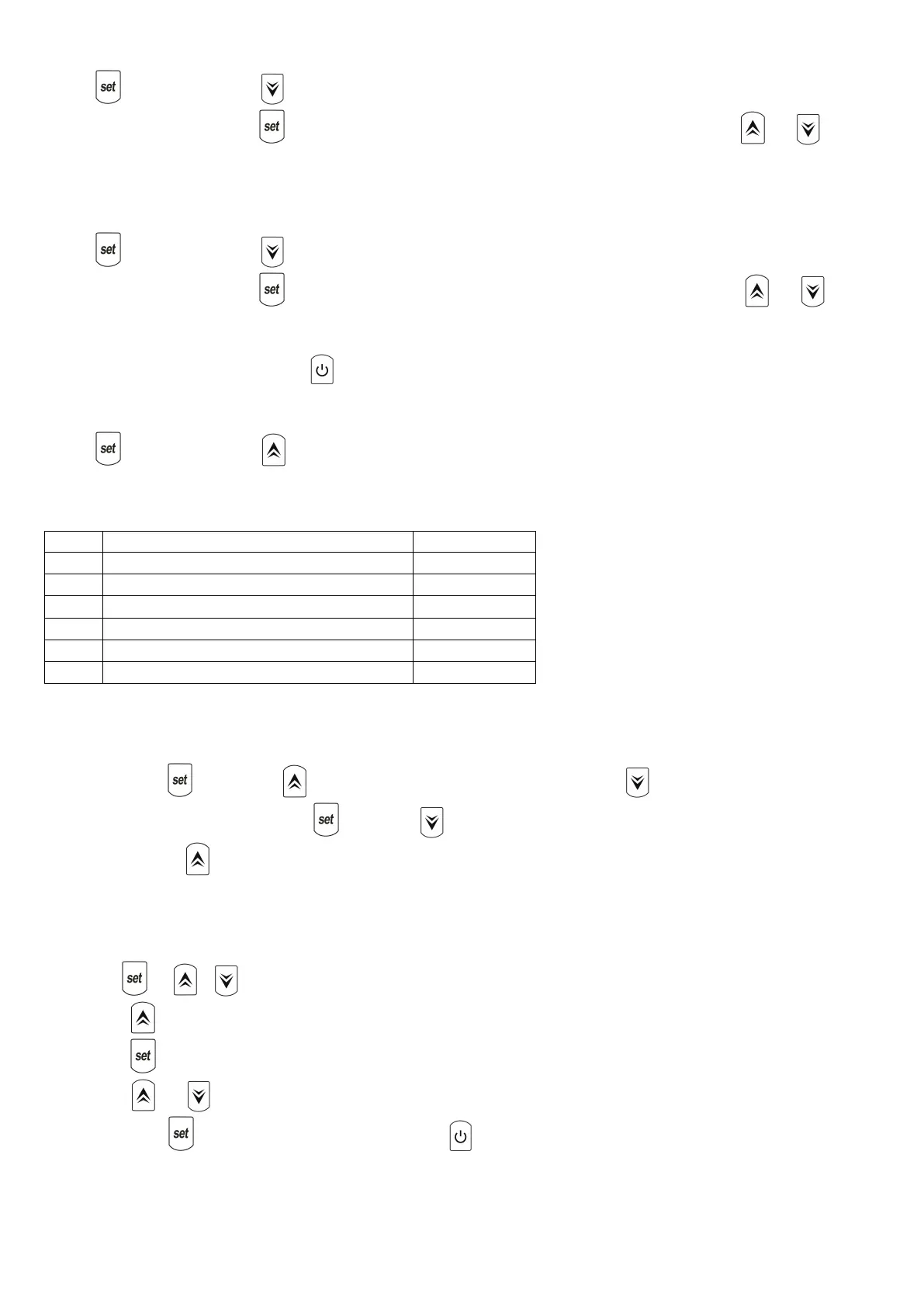
Press button ,then press button twice to enter into TIMER ON setting .When you see the starting time
displaying on controller ,Press to confirm to enter into TIMER ON setting interface , finally press or to
adjust the starting time.
(7) TIMER OFF Setting
Press button ,then press button 3 times to enter into “ TIME OFF” setting . When you see the stopping time
displaying on controller ,Press to confirm to enter into TIMER OFF setting interface , finally press or to
adjust the stopping time .
**Above operations, you could press button to save the setting and quick-exit the program. **
(8) How to check the parameters?
Press button ,then press to check the parameter of B - C - D - E- F- G .
Actual steps of Electronic expansion valve
** ATTENTION **
When you press and press button to enter into parameter checking , the button could not be operated.
At the same as above ,when you press and press button to check TIME - starting time of TIMER and Stopping
time of TIMER ,the could be not operated.
(9) Parameter setting
This part should be operated only by qualified technicians for after-service or maintenance.
(1) Press + + at same time in 5 second, display flashes ,
(2) Press or to choose the parameter you want to adjust
(3) Press again to enter into interface
(4) Press or to adjust the value setting.
(5) Finally press once again to save the data or press to save and quick-exit the parameter setting .



 To Next Page