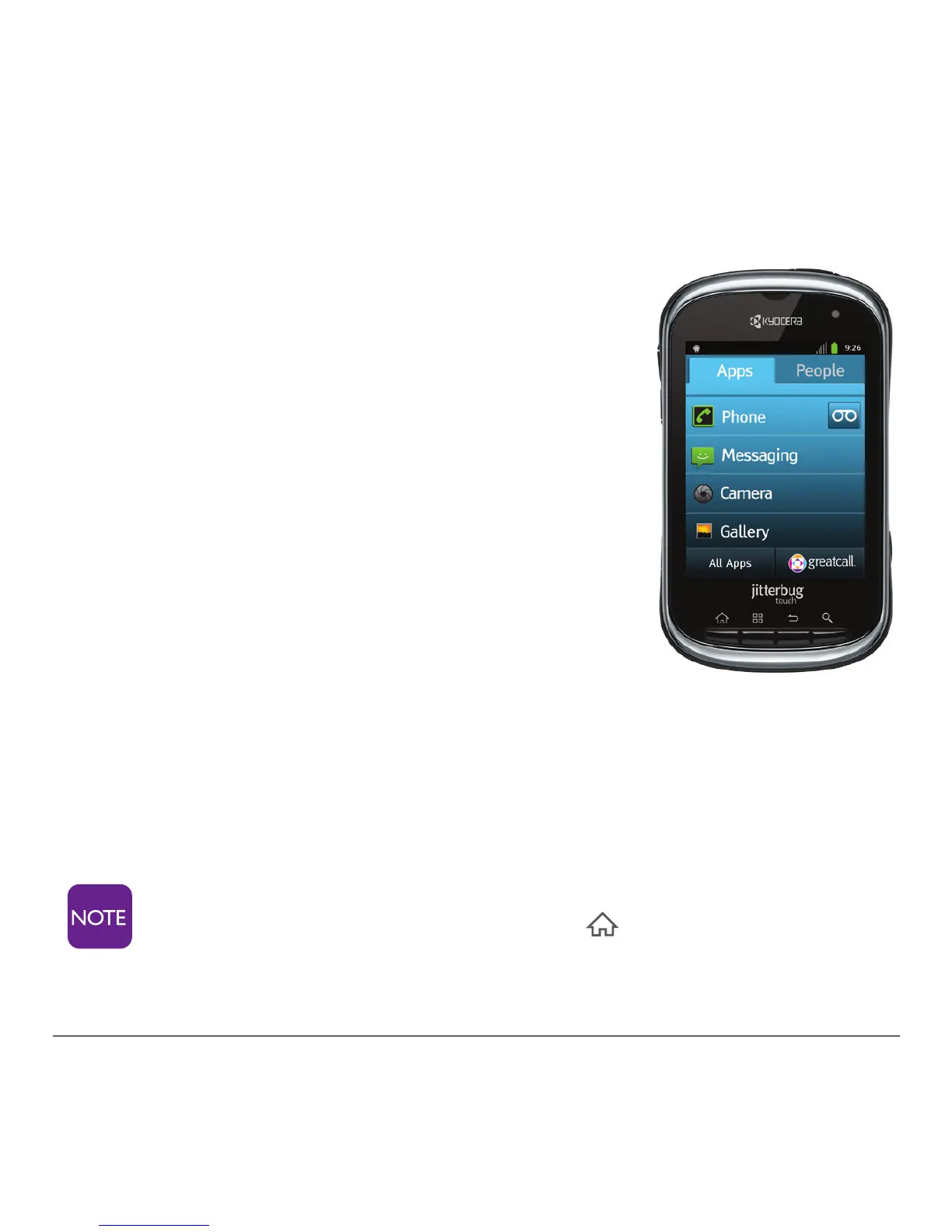
1.4 Jitterbug Home Screen Overview
As soon as you unlock your phone, you
will see the Jitterbug home screen. From
this screen you can use every function of
your Jitterbug Touch.
The Jitterbug home screen features only
two tabs – “Apps” and “People.” It was
designed to be simple, so you can easily
access the Apps and People that are most
important to you, without having to dig
through icons and features you may never
use.
The following two chapters show in detail how to use these
two tabs.
If you were ever to get lost in your phone, you can
always press the home button to return to this
home screen.



 To Next Page