6
1.1 Battery
Your Jitterbug Touch comes with the
battery pre-installed and pre-charged
so you can get started right away.
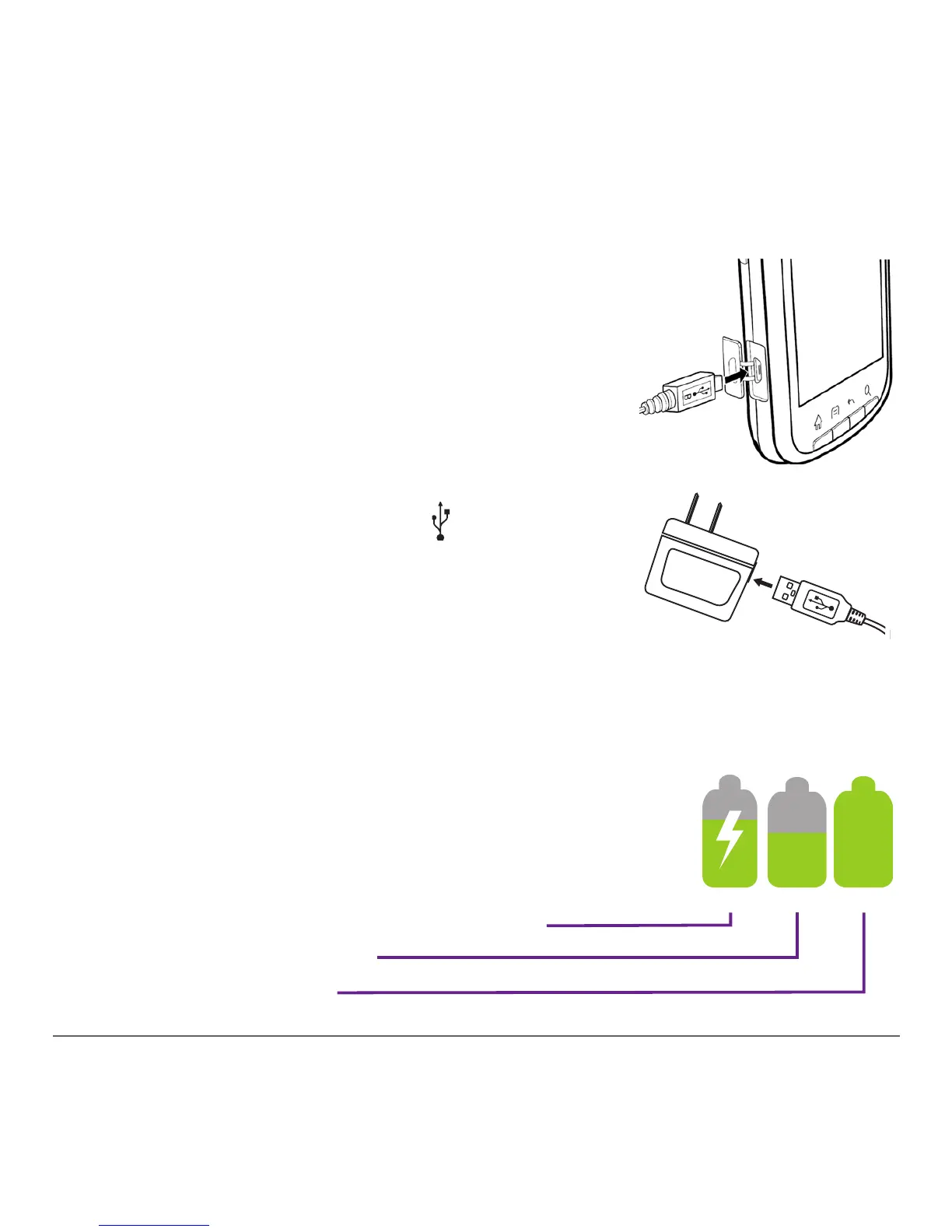
Charging the Battery
1. Open the charging port on the left
side of the phone.
2. With the white box and
symbol
facing up, insert the small end of the
charger into the micro-USB port on the
phone.
3. Insert the large end of the charger
cord into the port on the wall charger.
4. Plug the charger into a standard outlet.
The battery icon in the upper right of the
screen tells you whether the device is:
- Charging (the icon is animated)
- Partially charged
- Fully charged



 To Next Page