3.6 Calling a Contact
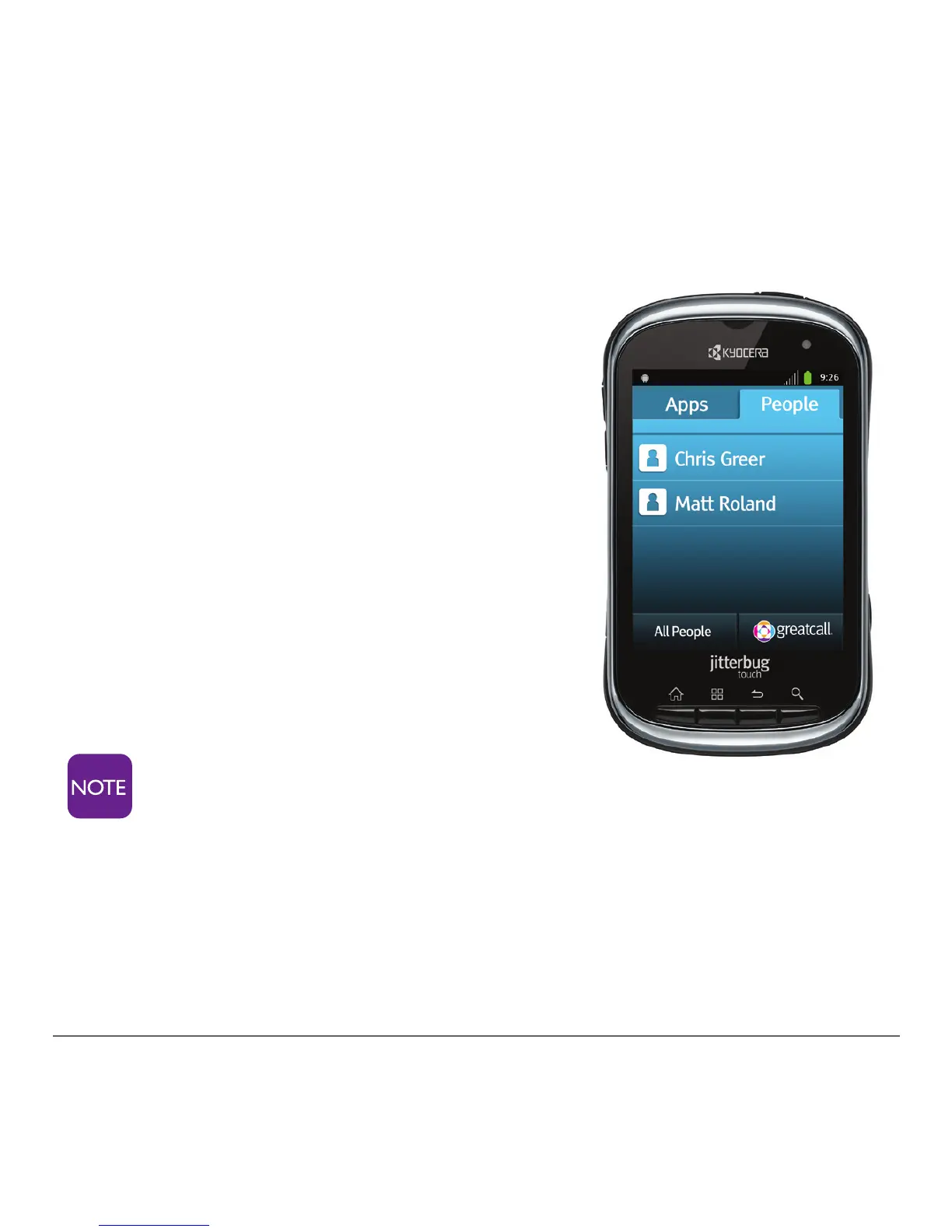
Calling a Favorite from the People Tab
1. From the home screen, tap the
People tab, to see your Favorite
contacts.
2. At the contacts list, tap a name.
3. Tap “Call.”
Calling a Contact
1. From the People tab, tap “All
People.”
2. At the contacts list, tap a name.
3. Tap “Call.”
If a contact has multiple
numbers, a selection will appear.
Choose the appropriate number.



 To Next Page