21
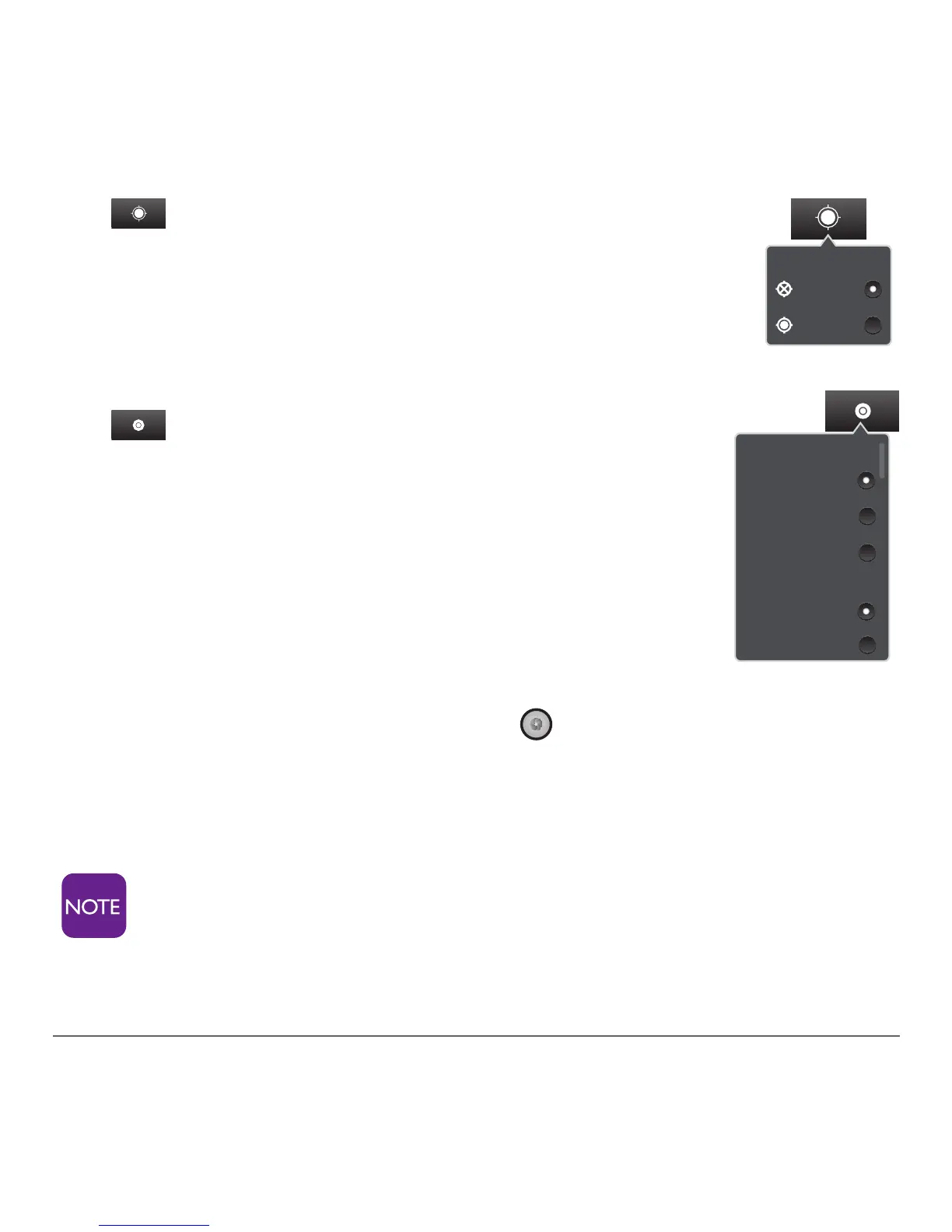
Store location
Off
On
Focus mode
Scene mode
Auto
Portrait
Auto
Macro
Normal
3. Store Location – Tap this to store the
locationanddateinyourpictureleby
choosing on or off.
4. Mode – Tap this to adjust various
aspects of the photo, including focus,
scene, picture size, picture quality, effects
and exposure.
Taking a Picture
1. Tap the circular white button in the lower left corner
of the screen. You will hear a snap, indicating the pic-
ture was taken.
You can also use the external camera button to snap
a picture, as seen on page 11.



 To Next Page