2.5 Camera
Accessing the Camera
1. From the home screen, tap “Camera” in the Apps tab.
Adjust the settings
Select one of the four options below by tapping the image at
the top of the screen.
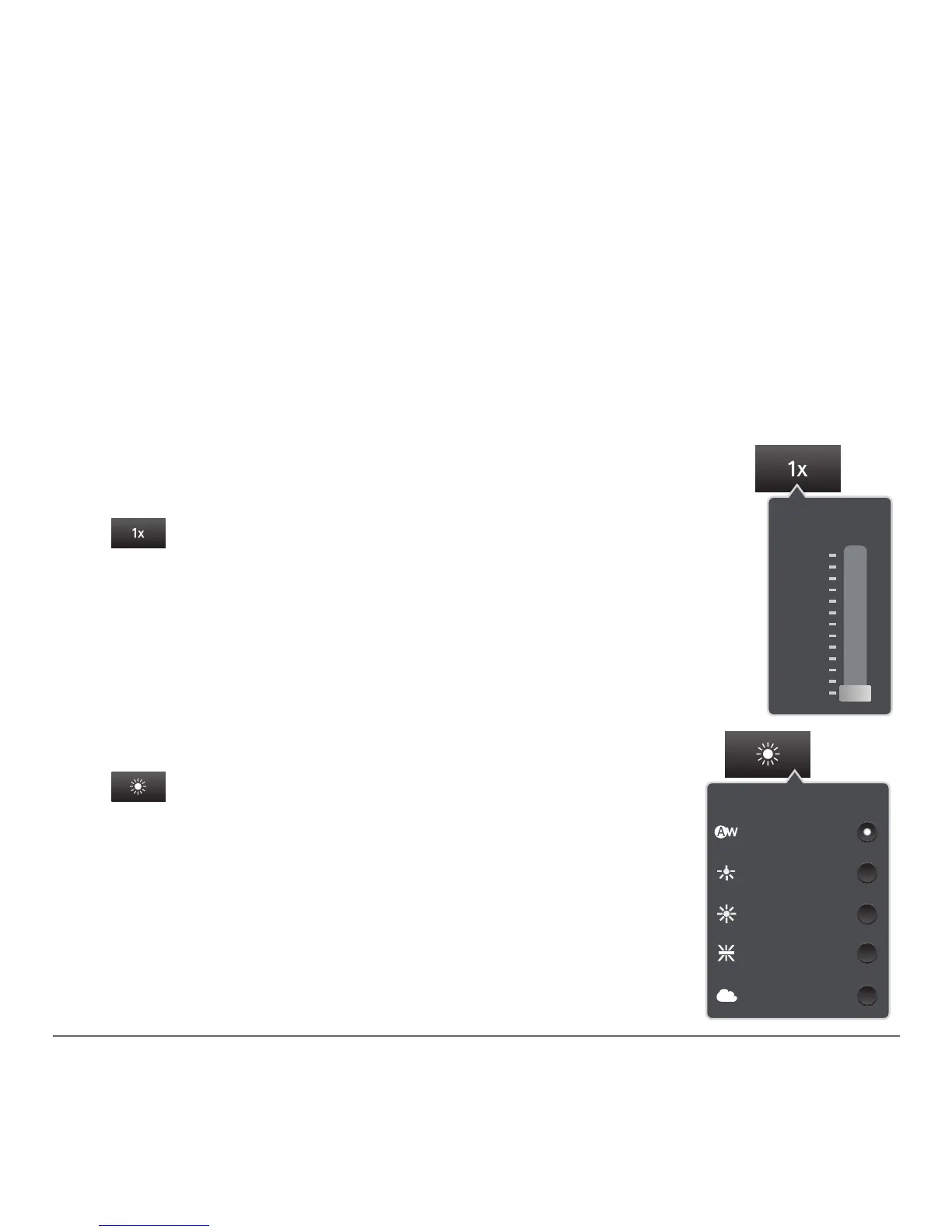
1. Zoom – Tap this button and slide the
bar up or down to zoom in or out.
2. White balance – Tap this to adjust
the light settings for your picture.
Zoom
2x
1x
1.8x
1.5x
1.2x
White balance
Auto
Cloudy
Fluorescent
Daylight
Incandescent



 To Next Page