User’s Manual of Remote Controller
13
zone displays the limiting value set in last time.
2).
Press ▲ or ▼ button to adjust the energy-saving limiting value to preset value.
3).
Pressing SAVE button again, energy-saving function is turned on. is
displayed while or is not displayed.
When energy-saving function is turned on, set temperature can only be adjusted
within the energy-saving limiting value.
If you want to turn off the energy-saving function, press SAVE button and is
not displayed.
Note: Under auto and fan modes, energy-saving function is invalid.
(11).
Setting sleep function
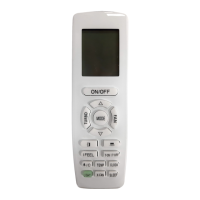
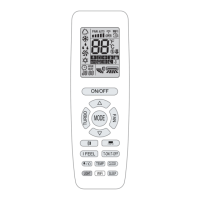
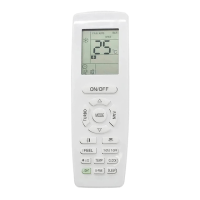
In unit on status, press SLEEP button to turn on or turn off sleep function.
When is displayed, sleep function is on.
When is not displayed, sleep function is off.
When sleep function is on, the unit will operate according to a series of preset
sleep curves.
Notes:
①
.
Sleep function can not be set in auto, fan mode and floor heating modes;
②
.
When turning off the unit or switching mode, sleep function is cancelled;
③
.
If turning on sleep function, auto quiet function will be turned on automatically.
If turning off sleep function, auto quiet function will be turned off automatically.
(12).
Setting light function
The light on the receiver light board will display present operation status. If you
want to turn off the light, please press LIGHT button. Press this button again to turn on
the light.
(13).
Setting I FEEL function
In unit on status, press I FEEL button to turn on or turn off I FEEL function.
When is displayed, I FEEL function is on.
When is not displayed, I FEEL function is off.
When I FEEL function is turned on, the unit will adjust temperature according to the
temperature detected by the remote controller to achieve the best air-conditioning
effect. In this case, you should place the remote controller within the valid receiving
range.
(14).
Viewing ambient temperature
Copyright 2018. This translation is property of GREE PRODUCTS SL. All rights reserved. Total or partial reproduction without its express authorization is prohibited.


 To Next Page