EasyManua.ls Logo

Gree YAP1F - Button Name and Function Introduction (Outside); Button Name and Function Introduction (Inside); Preparation before Operation

Gree YAP1F
77 pages
Print Icon
To Next Page IconTo Next Page
To Previous Page IconTo Previous Page
Loading...
User’s Manual of Remote Controller
17
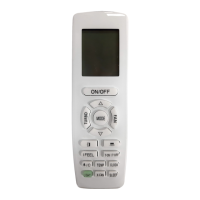
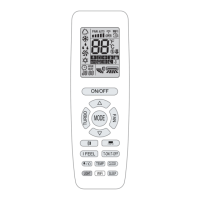
3.1 Button name and function introduction (outside)
Button name
Function
ON/OFF
Turn on or turn off the unit
FAN
Set fan speed
▲/▼
Set temperature and time
COOL
Set cooling function
HEAT
Set heating function
SWING
Set swing status
TURBO
Set turbo function
3.2 Button name and function introduction (inside)
No.
Button name
Function
1
MODE
Set operation mode
2
TIMER ON
Set timer on function
3
TIMER OFF
Set timer off function
4
LIGHT
Set light function
5
I FEEL
Set I FEEL function
6
X-FAN
Set X-FAN function
7
TEMP
Switch temperature displaying type on the unit’s display
8
HEALTH
Set health function
9
CLOCK
Set clock of the system
10
SLEEP
Set sleep function
3.3 Preparation before operation
When using the remote controller for the first time or after replacing the batteries,
please set the time of the system according to current time in the following steps:
(1).
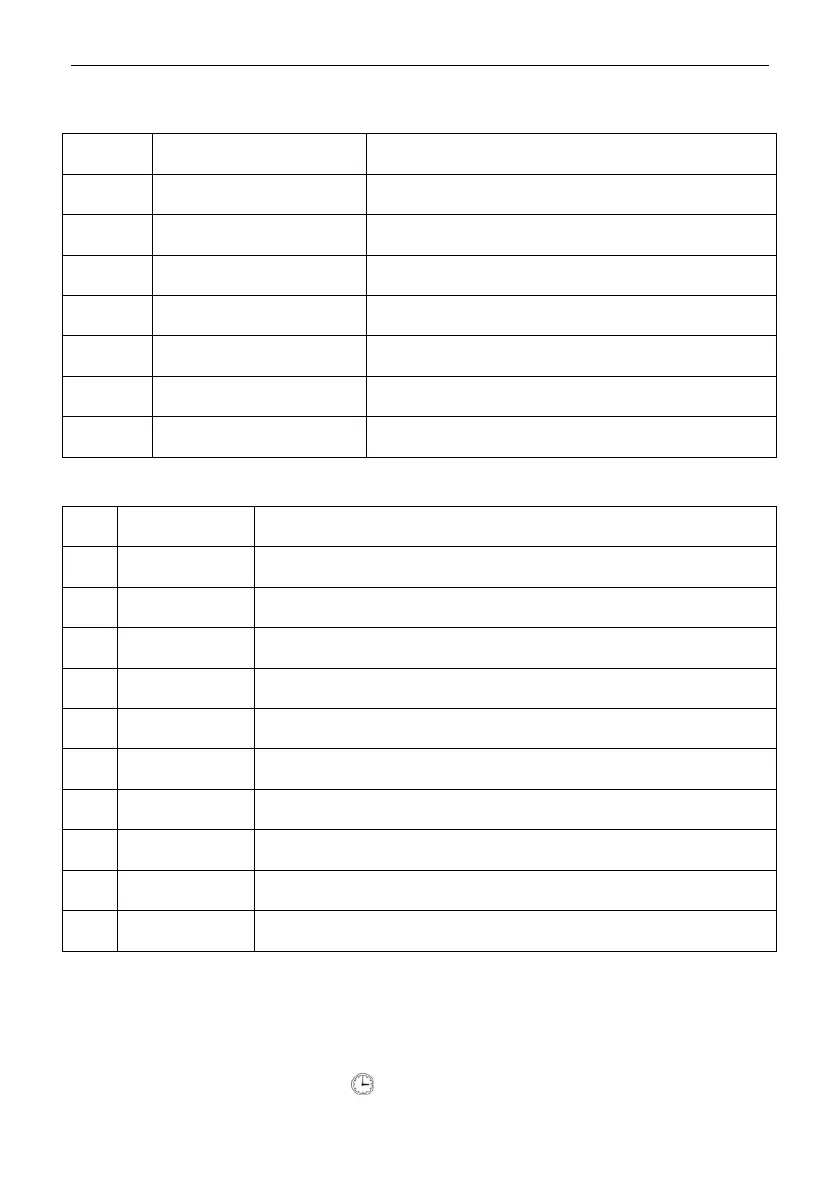
Pressing CLOCK button, is blinking.
(2).
Pressing ▲ or ▼ button, the clock time will increase or decrease rapidly.
Copyright 2018. This translation is property of GREE PRODUCTS SL. All rights reserved. Total or partial reproduction without its express authorization is prohibited.

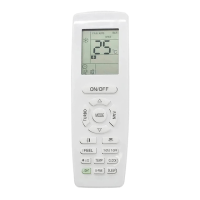
Table of Contents

Related product manuals