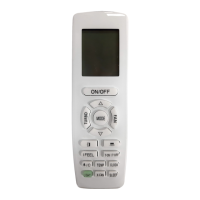
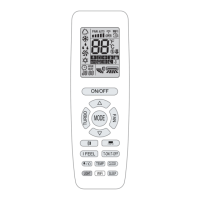
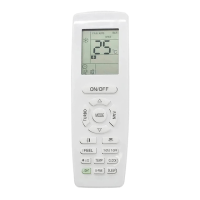
User’s Manual of Remote Controller
21
operation on the button is invalid.
(2).
Absence function
Press CLOCK and TEMP button simultaneously to enter absence function.
Temperature displaying zone displays 8 and is displayed.
Press CLOCK and TEMP button simultaneously again to exit absence function.
Temperature displaying zone resumes previous display and is not displayed.
In winter, absence function can keep the indoor ambient temperature above 0℃ to
avoid freezing.
Note: Absence function is only available in heating mode and it will be exited when
switching mode.
(3).
Setting of master mode indoor unit
In fan mode, set master mode indoor unit through ▲ and ▼ button:
1).
Adjust set temperature to 30℃;
2).
Within 5 seconds, press ▼ button and then press ▲ button repeatedly for
three times;
After finishing setting, “UC” is displayed on receiver light board for 5 seconds and
“MASTER” icon is displayed on wired controller.
(4).
Switching temperature scale
In unit off status, press MODE button and ▼ button simultaneously to switch
temperature scale between ℃ and ℉.
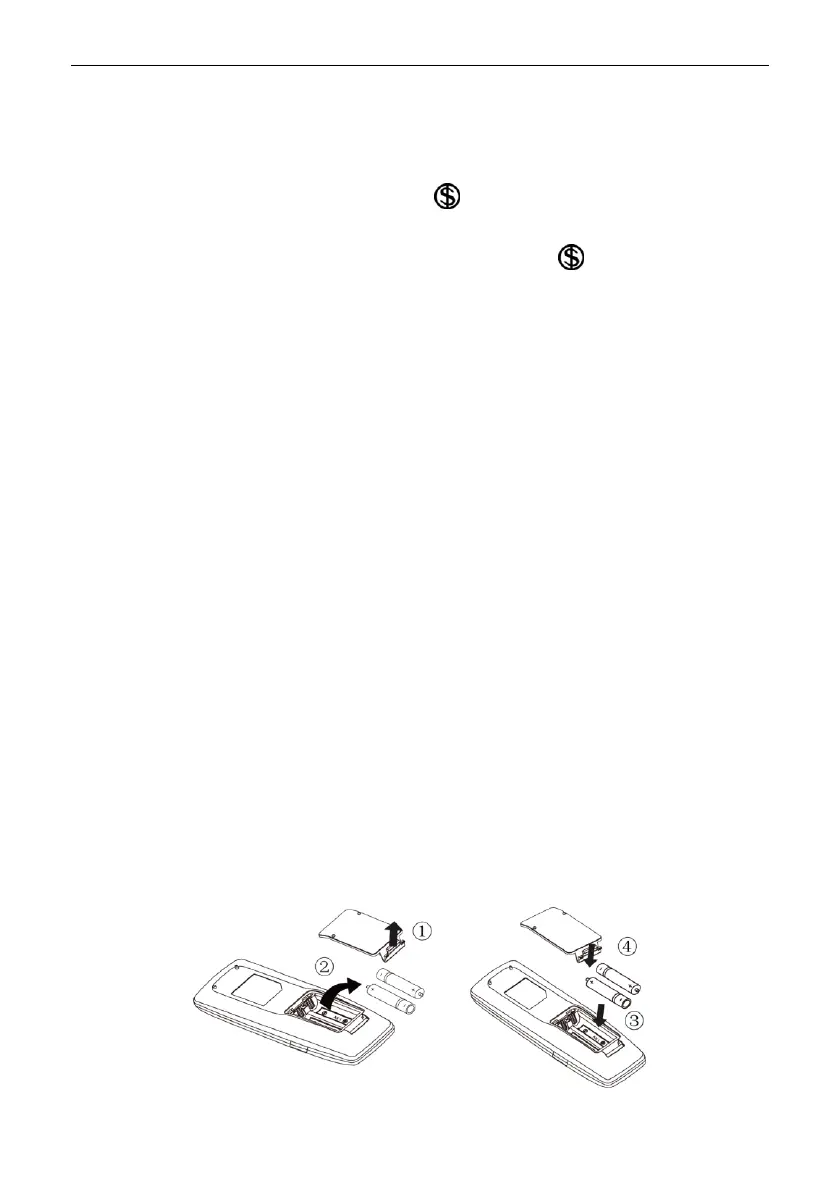
3.6 Replacing batteries in remote controller and notes
(1).
Lift the cover along the direction of arrow (as shown in Fig 5①).
(2).
Take out the original batteries (as shown in Fig 5②).
(3).
Place two 7# (AAA 1.5V) dry batteries, and make sure the position of “+” polar
and “-” polar is correct (as shown in Fig 6③).
(4).
Reinstall the cover (as shown in Fig 6④).
Fig.5 Fig.6
Copyright 2018. This translation is property of GREE PRODUCTS SL. All rights reserved. Total or partial reproduction without its express authorization is prohibited.


 To Next Page