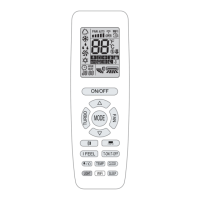
User’s Manual of Remote Controller
18
(3).
Press CLOCK button again to confirm the time.
3.4 Introduction of operation functions
(1).
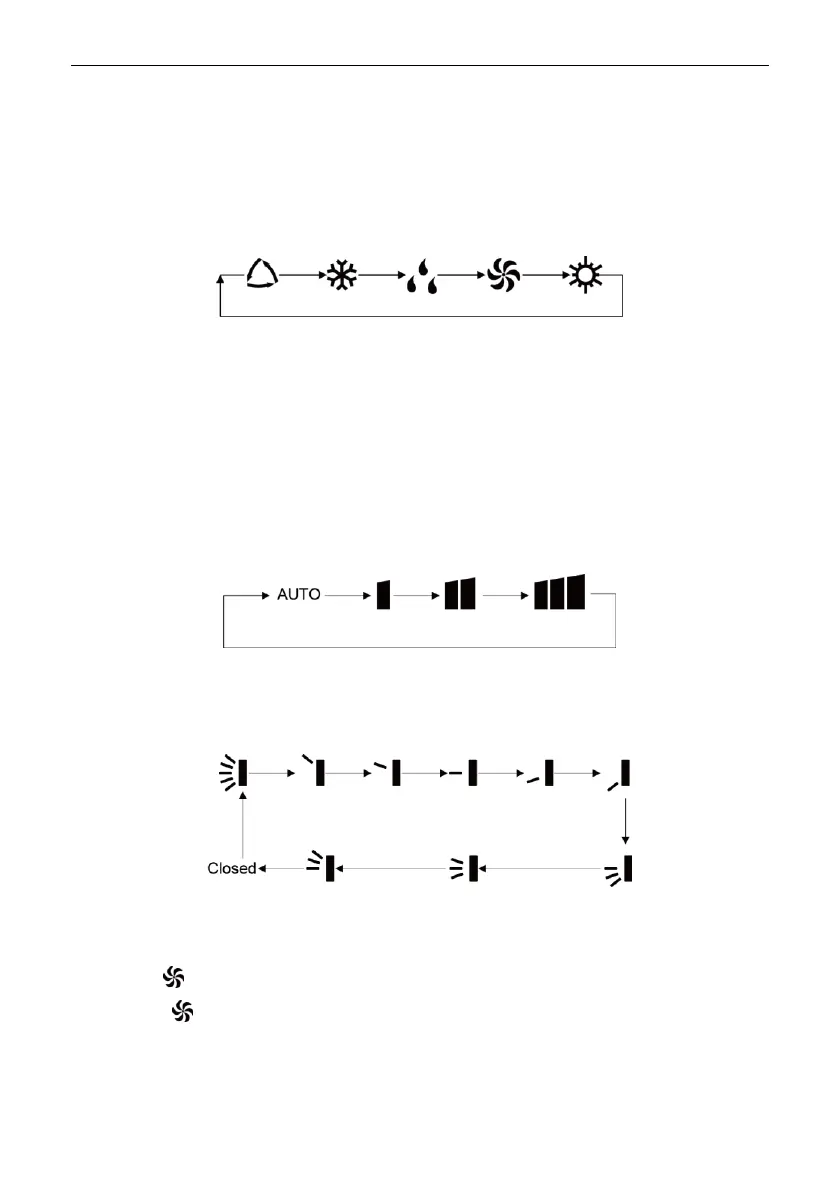
Selecting operation mode
In unit on status, press MODE button to select operation mode in following
sequence:
1).
Pressing COOL button, the unit will operate under cool mode.
2).
Pressing HEAT button, the unit will operate under heat mode.
(2).
Setting temperature
In unit on status, press ▲ button to increase set temperature and press ▼ button
to decrease setting temperature.
Note: Under auto mode, manual adjustment of temperature is not needed.
(3).
Adjusting fan speed
In unit on status, press FAN button to adjust fan speed in following sequence:
Note: Under dry mode, fan speed is low and can not be adjusted.
(4).
Setting swing function
In unit on status, press SWING button to set swing status in following sequence:
(5).
Setting turbo function
Under cool or heat mode, press TURBO button to set turbo function.
When is displayed, turbo function is on.
When is not displayed, turbo function is off.
When turbo function is on, the unit operates in super high speed to achieve quick
cooling or heating. When turbo function is off, the unit operates in set fan speed.
(6).
Setting light function
Copyright 2018. This translation is property of GREE PRODUCTS SL. All rights reserved. Total or partial reproduction without its express authorization is prohibited.


 To Next Page