16
OPERATION
W A R N I N G
If the battery is inserted into the charger when warm or hot, the CHARGING LED indicator light on
the charger may switch on and illuminate ORANGE. If this occurs allow the battery to cool outside
of the charger from approximately 30 minutes.
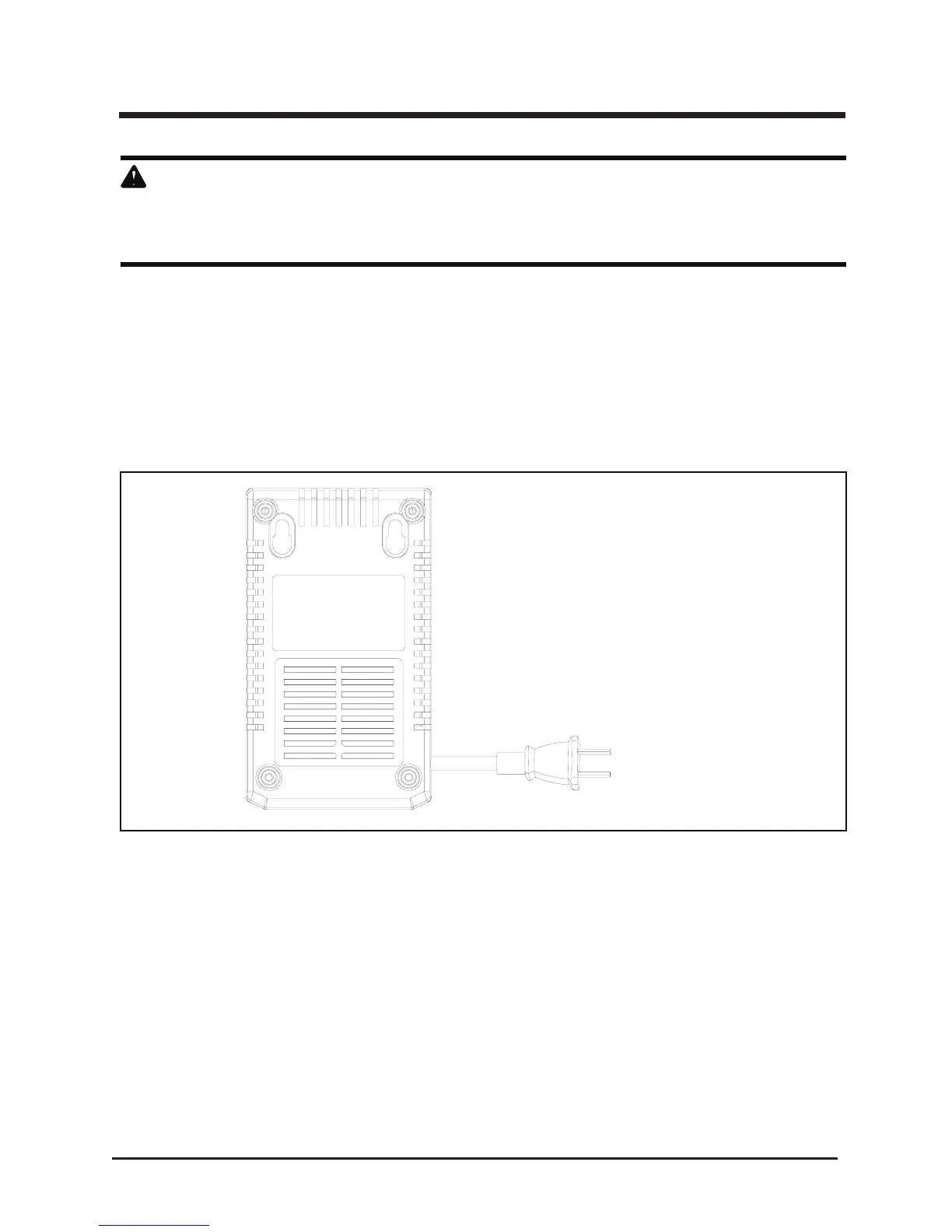
CHARGER MOUNTING (
See Figure 11.
)
1. This charger can be installed hanging on a wall using two screws (not supplied)
2. Locate the placement for the charger to be wall mounted.
3. If fastening to wood studs use 2 wood screws.
4. Drill two holes 2 3/8" (6 cm) on center ensuring they are level.
5. If fastening to drywall use wall anchors and screws to secure the charger to the wall.
Fig. 11







 To Next Page