Fast Deposit Module CA10 User Manual
Confidential material of GRG, No disclosure to unauthorized Party 25 / 35
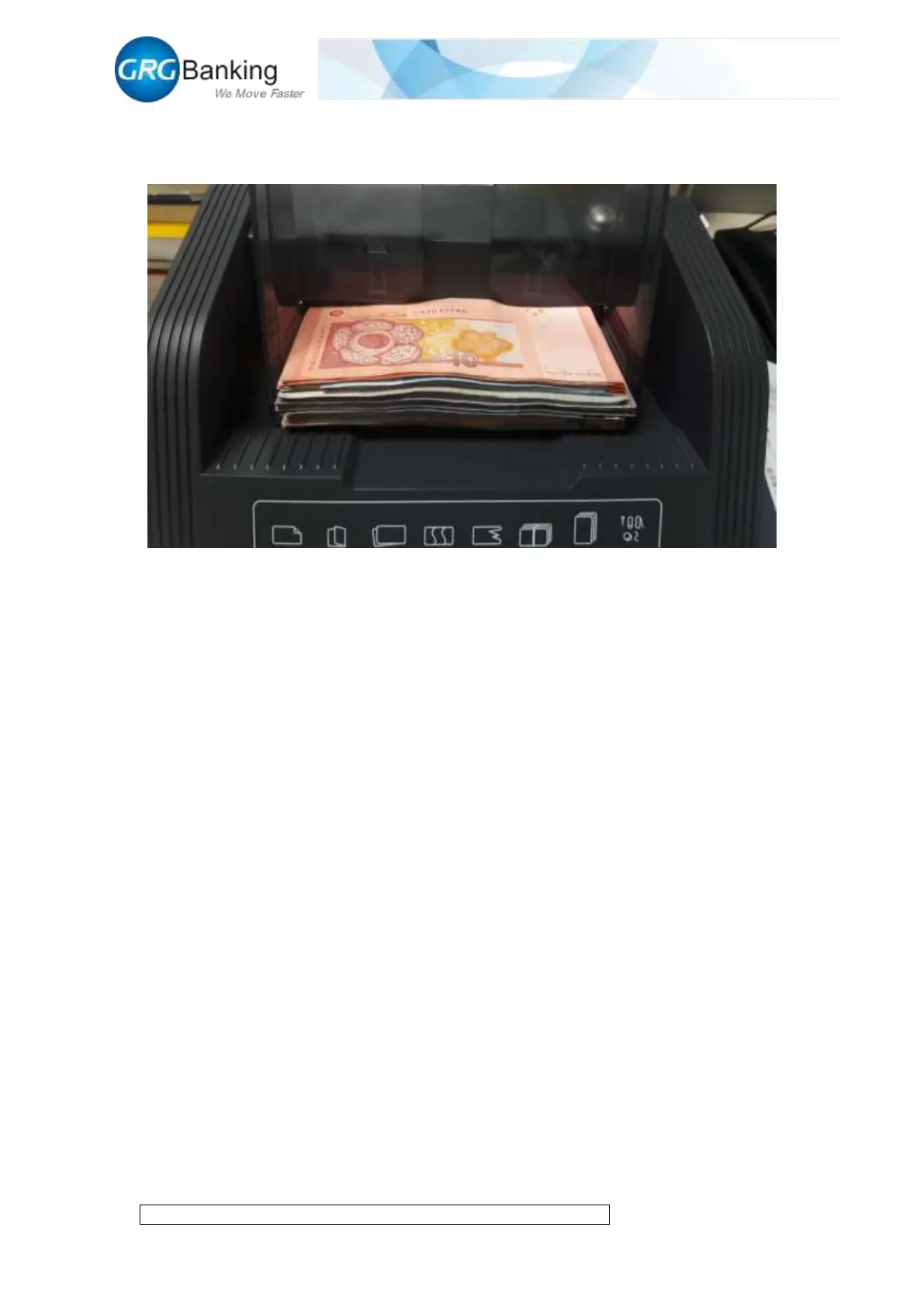
2) Adjust the baffles to match with the width of notes, place notes orderly in the input slot with
a maximum of 500 PCS, and enable to place the notes continuously;
3) Click “Cotrol CMD” and set the note counting capacity of 1-200PCS in the spare area of
“Slot Num” (as required);
4) Click “Start Work” to start to feed acceptable notes into the escrow slot and unacceptable
notes into the reject slot; when the notes in the escrow slot reaches the specified capacity or there
are no notes in the input slot, the note feeding will stop automatically; click “Stop Work” during
the process to stop this note counting.
5) After the notes are fed into the escrow slot, click “Pre Deposit” to press forward the notes
with a pressure plate and move the internal shutter to the specified position. Click “Confirm
Deposit” to deliver the notes to the escrow slot or the output slot; (note: before he “Pre Deposit”
and after the “Confirm Deposit”, the system will report error with the detection of notes stacked
abnormally in the escrow slot, cancel the deposit automatically, and open the external shutter
automatically to take out the notes in the escrow slot; before he “Pre Deposit” and after the
“Confirm Deposit”, click “Cancel Deposit” to open the external shutter automatically and take out
the notes in the escrow slot manually).
6) Before the note counting, click “Auto Mode” to complete automatically the whole process of
“Stop Work-Pre Deposit-Confirm Deposit” for CA10; click “Exitauto Mode” to exit the auto
mode.
7) After the completion of each note counting, display the count information of the current note
counting in the “Message” area; click “Get Count” and “Clear Count” to get and clear the count
information of the current note counting.


 To Next Page