Note:
When using battery supply, the
ON/OFF button can only be used to
switch the unit to stand by.
To switch the unit on when using
battery supply, use the ON/OFF button
on the set (see 'Switching on and off').
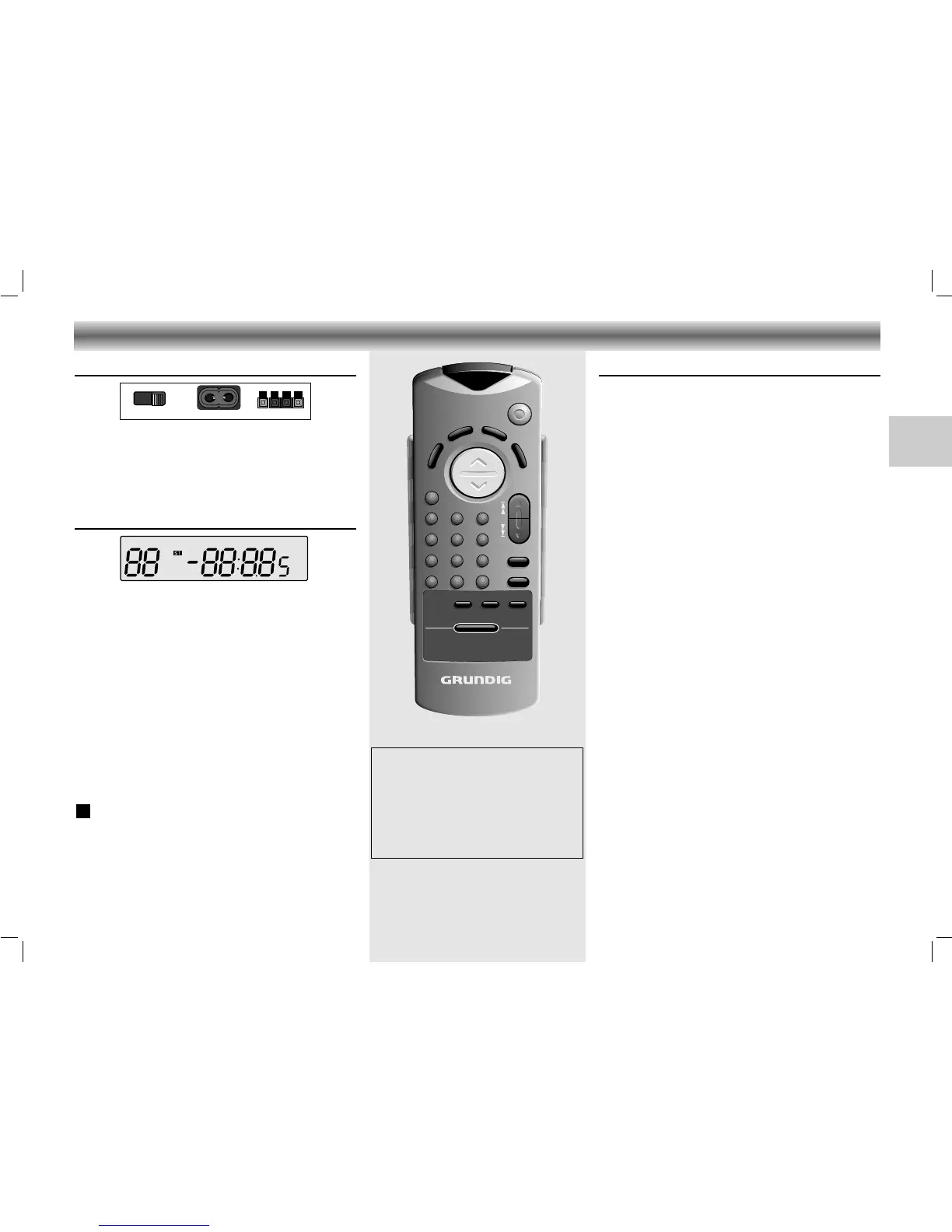
Remote control
The buttons on the remote control have the same
functions as the corresponding ones on the unit.
Extra buttons:
DISPLAY – to display the clock and change the
display mode
RANDOM – to play the titles of a CD in random
order
INTRO – to play only the first 10 seconds of
each title
MUTE – for muting the speakers
1-0 – to select CD tracks and radio channels
directly
+10 – to select numbers above nine, press this
button and then one of the 1-0 buttons
to make the number you want (e.g., to
select 12, press +10 and then 2).
Changing batteries
If the range of your infrared remote control seems to
decrease, or if certain functions can no longer be
carried out, you should replace the batteries.
Two mignon 1.5 Volt LR03, size AAA batteries are
required.
To change the batteries, open the compartment on the
back of the remote control. Ensure that the batteries are
inserted properly (note the markings in the
compartment).
Back panel
BEAT CUT / FM MONO/STEREO: For eliminating
possible whistle tones during AM recordings and
reduce noise caused by weak FM stereo stations.
AC INPUT: Socket for mains lead.
SPEAKERS + R - / - L +: Loudspeaker terminals.
Display
The display indicates:
CH: indicates the radio memory channel
TRACK: indicates the CD track
MEMORY: programming or programme playback
(CD) or storing stations (Tuner)
INTRO: during the INTRO function
REPEAT: repeat all
REPEAT:
repeat one
(flashing)
RANDOM: during the RANDOM function
88: track number (CD) or memory channel
(Tuner)
FM/AM: indicates the selected waveband
: lights up when receiving FM stereo stations
88:8.85: playing time (CD), station frequency (Tuner)
and clock time
MHz/kHz:
for FM reception the frequencies are indica-
ted in MHz and for AM reception in kHz
ST






 To Next Page