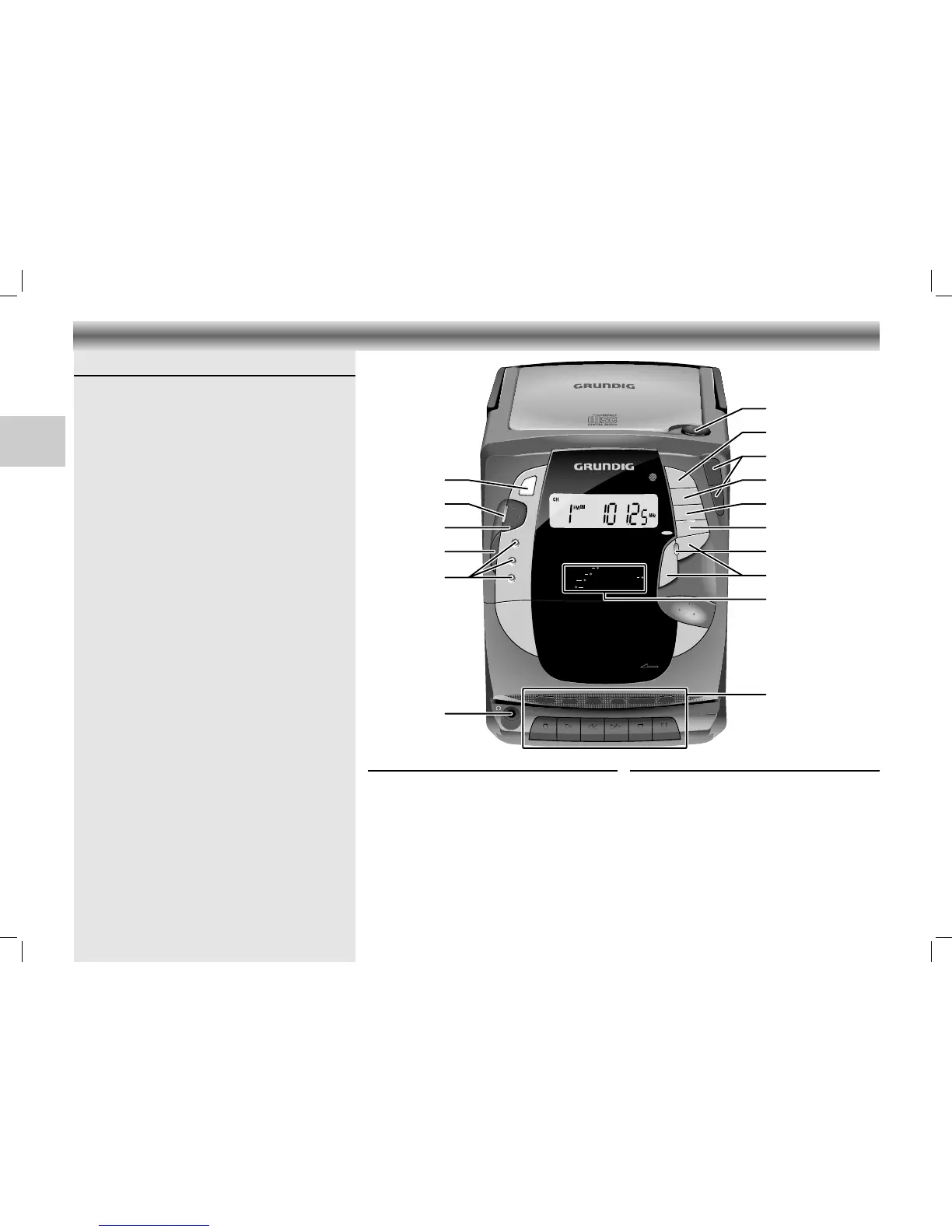
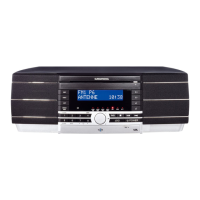
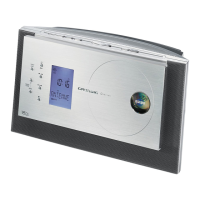
Top and front panel
p
– connection for headphones
Source: – CD: to switch to CD mode
– TUNER: to switch to TUNER mode
– TAPE: to switch to TAPE mode
BAND – to select between FM and
AM (MW) waveband
ON/OFF – to switch the unit on and to
stand by mode
Stand by
6 – lights up when the unit is in stand
by mode
UBS –(U
LTRA BASS SYSTEM) to boost the
bass response
OPEN – to open the CD door
PLAY/PAUSE 2; – to start and interrupt CD playback
UP/§ / – to skip and search
∞/DOWN backward/forward (CD)
– to tune to a radio station (Tuner)
– to set the clock time
STOP 9 – to stop CD playback
REPEAT/SCAN – to repeat one/all tracks (CD)
– to select the memory positions
(Tuner)
PROGRAM/TIME
– to programme track numbers in the
memory (CD)
– to store the radio stations (Tuner)
– activates the clock setting mode
VOLUME 4/3 – to adjust the volume.
CONTROLS AND CONNECTIONS
16
CDM 700 page 16
GB
Indicators 6:
MUTE 6: lights up when the MUTE function is
activated
CD 6: lights up when CD is activated
TUNER 6: lights up when TUNER is activated
TAPE 6: lights up when TAPE is activated
REC 6: lights up when recording
UBS 6: lights up when U
LTRA BASS SYSTEM is
activated
Cassette Control
0 RECORD – to start recording
B PLAY – to start cassette playback
Q REW – fast rewind
R F.FWD – fast forward
9// STOP/EJECT
– to stop and eject the cassette
; PAUSE – to interrupt playback/
recording






 To Next Page