Switching on and off
• Press the ON/OFF button to switch the unit on.
– The Stand by indicator 6 goes out.
• To switch the unit to stand by press the ON/OFF
button again.
– Even if you switch your unit off, it remains connected
to the mains power supply.
The Stand by indicator
6 is always on when the
unit is connected to the mains power supply.
– If you want to completely disconnect the unit from
the power supply, remove the plug from the mains
socket.
Notes:
• When using mains supply, you can also use the
ON/OFF button on the remote control to switch the
unit on and off.
• When using battery supply, you can only switch the
unit on via the ON/OFF button on the set.
This is done to save battery life.
However, you can switch the unit to stand by via the
remote control.
• When using battery supply, the Stand by indicator
6 is always off and the display is not illuminated.
Source selection
• Select the desired source by pressing the respective
button (CD, TUNER or TAPE) on the unit or on the
remote control.
– The indicator of the selected source (CD 6,
TUNER 6 or TAPE 6) lights up.
19
CDM 700 page 19
GB
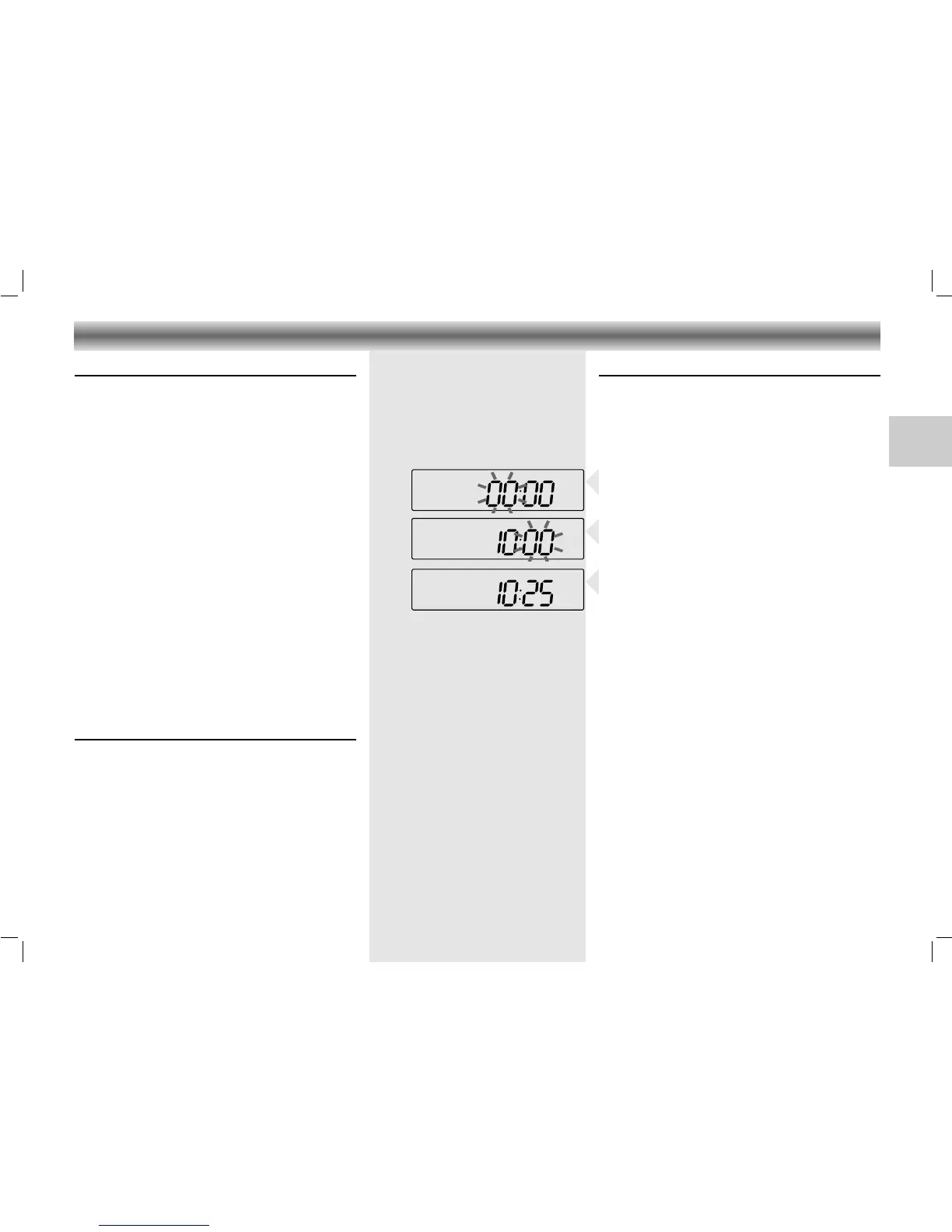
Setting the clock
The clock can be set while the unit is in any mode of
operation. If you are in TUNER or CD mode and the
time is not being displayed, press DISPLAY on the
remote control until the time is shown.
• Press PROGRAM/TIME on the unit or on the remote
control.
– The hour starts flashing.
• Set the hour with UP/§ / ∞/DOWN.
• Press PROGRAM/TIME once more.
– The minutes start flashing.
• Set the minutes with UP/§ / ∞/DOWN.
• Press PROGRAM/TIME again to store the setting.
GENERAL OPERATION






 To Next Page