13
GLCD2206HDV
Use only the adaptor type NU60-2120500-I1
Other adaptor may damage the unit
MADE IN PRC
N14119
DC 12V 5A Adaptor
CLASS 1 LASER PRODUCT
LUOKAN 1 LASERLA ITE
KLASS 1 LASERAPPARAT
Grundi
Warrant
: 1800 509 394 Australia
Grundig Warranty: 0800 450 259 New Zealand
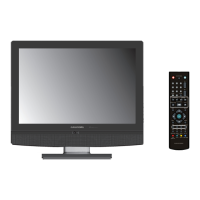
22 Widescreen LCD TV Wi th DVD Player
,,
2008/03
III. Installation and Connection
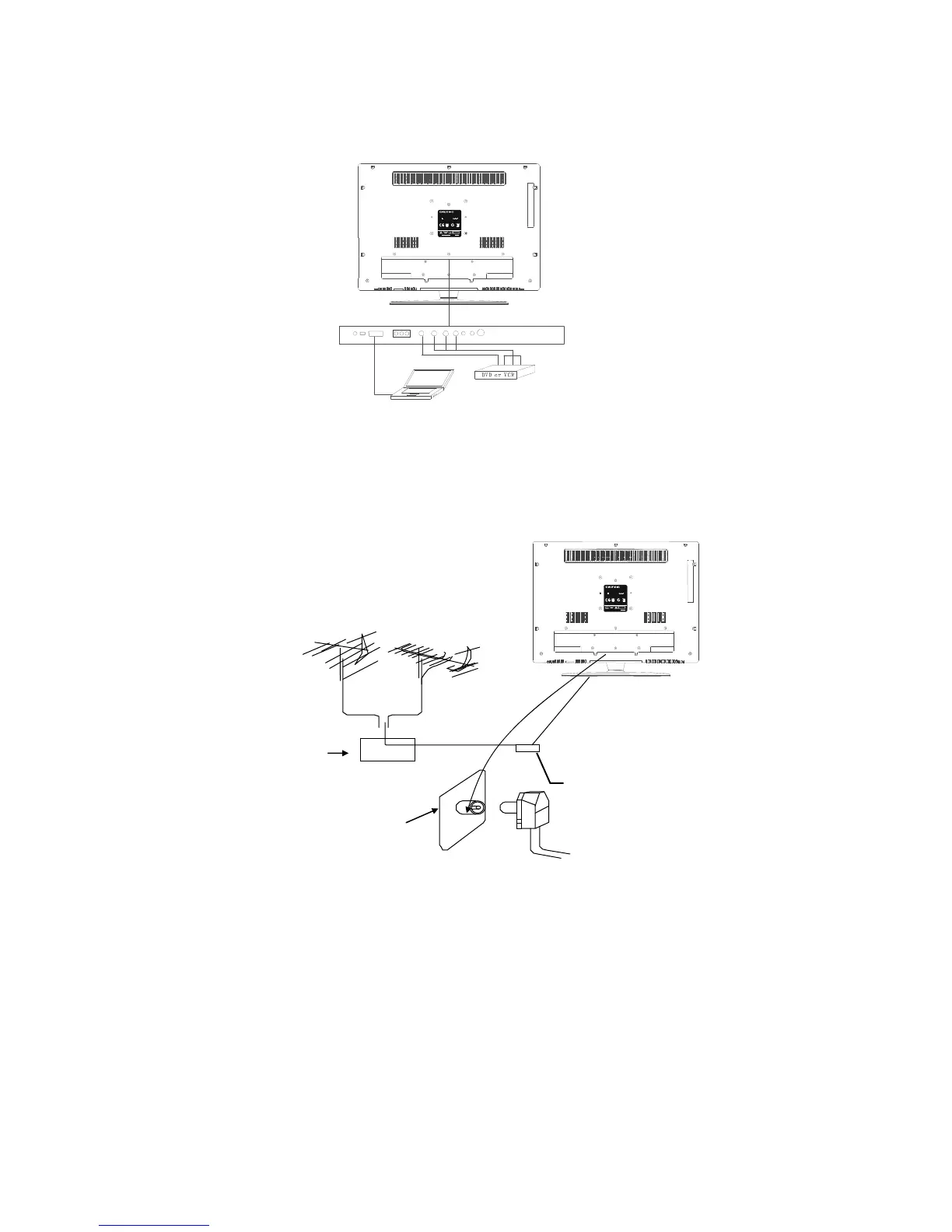
Connect the LCD TV/monitor
GLCD2206HDV
Use only the adaptor type NU60-212050 0-I1
Other adaptor may damage the unit
MADE IN PRC
N14119
DC 12V 5A Adaptor
CLASS 1 LASER PROD UCT
LUOKAN 1 LASE RLAITE
KLASS 1 LASERAPPARAT
Grundi
Warrant
: 1800 509 394 Australia
Grundig Warranty: 0800 450 259 New Zealand
22 Widescreen LCD TV With DVD Player
,,
2008/03
1. Connect the TV RF source to the RF IN port. TVRF signal including:
Receiving antenna /satellite TV/CATV net. You can use 75ȍ coaxial
cable to connect the outdoor antenna.
Outdoor Antenna Connection:
Use 75ȍ coaxial cable plug or 300-75ȍ impedance converter to plug in
antenna input terminal on the rear of the cabinet.
-
Antenna in
ack
75¡Co-axis cable
VHF antenna
Mixer
UHF antenna
Input terminal of
antenna
Co-axis antenna
plug


 To Next Page