23
is English.
Audio Language
Press the Ż or Ź button to select the Audio language, the default language
is English.
Subtitle Language
Press the Ż or Ź button to select the Subtitle language, the default
language is English.
Hearing impaired
Press the Ż or Ź button to turn this function on or off.
Country
To show the country you have set when you started auto scan.
Restore Factory Default
Press the Ź button to restore, this operation will reset the unit to factory
default and all settings and stored channels will be cleared.
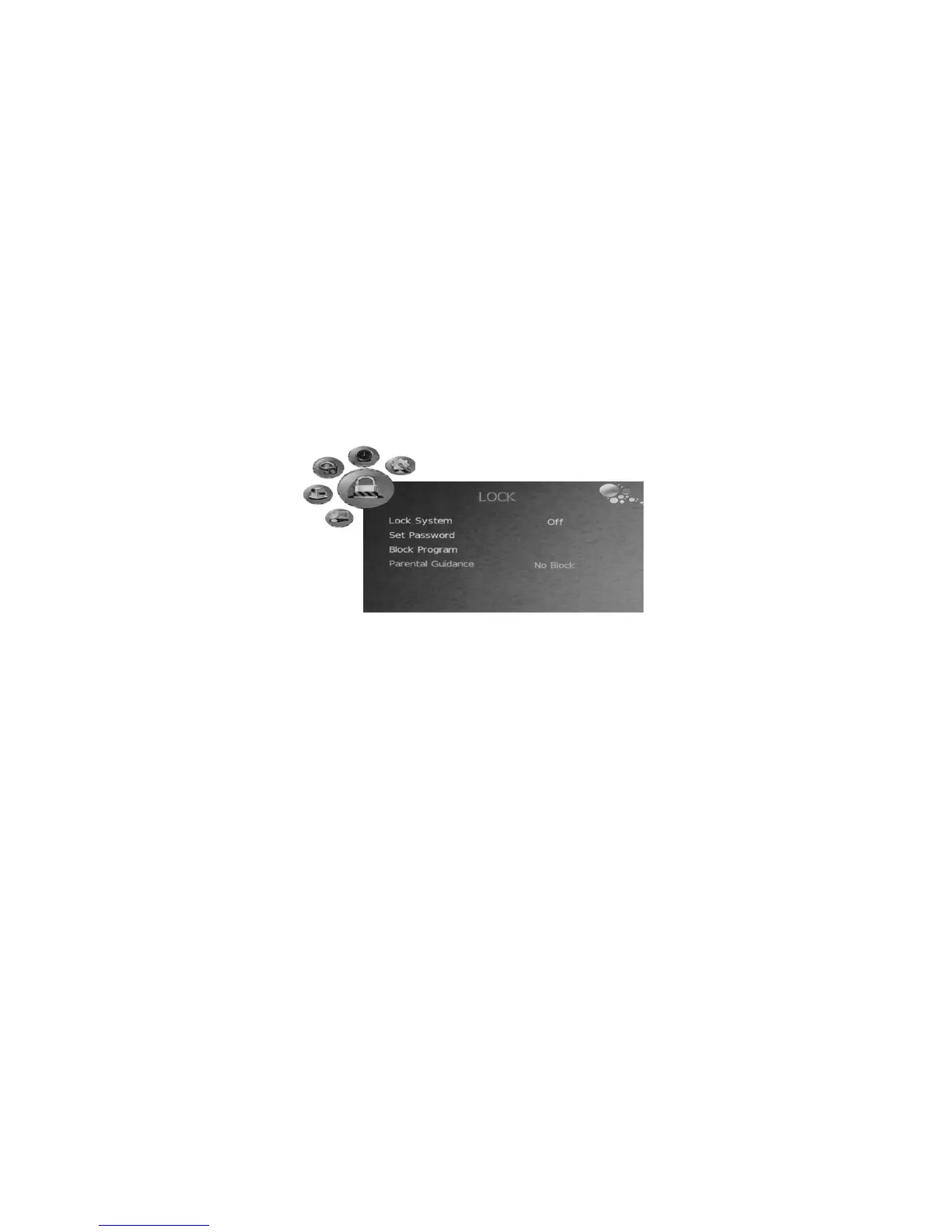
LOCK menu
- Press the LCD MENU button to display the OSD menuˈthen press the Ż or
Ź button to select LOCK menu.
- Press the źbutton and enter password, the default password is “0000”.
- Press the Ÿ or ź button to select the items in LOCK menu, press the Ż or
Ź button to enter the sub-menu, press the LCD MENU button to return to
the previous menu or press the EXIT button to exit.
Lock system


 To Next Page