16
(4) View the TELETEXT program
1. Press the SOURCE button to select the DTV mode. Then press the CH-
or CH+ button on the remote control to select a DTV channel in order to
pick up the TELETEXT signal, if broadcast.
2. Press the TEXT button to enter TELETEXT mode, press the TEXT
button again to exit.
3. Press the CH- or CH+ button to select the previous page or use the 0-9
numeric buttons for the next page.
Note: The first number should not be ‘0’ or ‘9’.
4. Refer to the chapter of ‘Remote control reference guide’ to understand
other functions of the TELETEXT buttons.
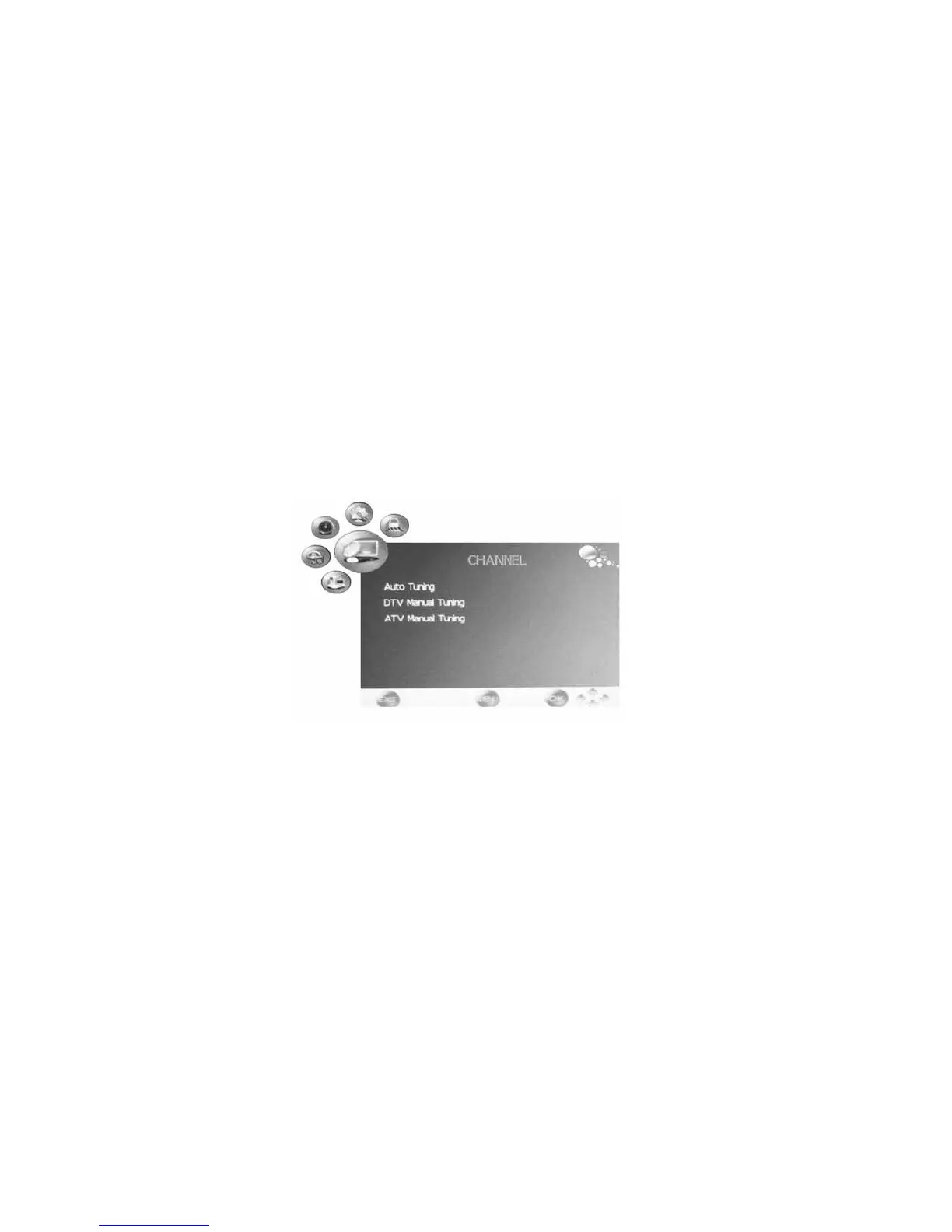
V. TV Channel Menu and Adjustment
- Press SOURCE button to select DTV or TV input.
- Press LCD MENU button and the CHANNEL menu will appear.
- Press Ÿź to select the items: Auto Tuning, DTV Manual Tuning, ATV
Manual Tuning, Programme Edit, press ENTER button to confirm.
- Press the MENU button to return to previous menu.
- Press the EXIT button to exit the menu.


 To Next Page