24
Press the Ż or Ź button to turn off or on.
Set Password
Press the ENTER or Ź button and enter the new password.
Lock Program
Press the ENTER or Ź button to enter the program list. Press the Ÿ or ź
button to select the channel you want to lock then press the green button to
lock, the lock icon will appear behind the locked channel, to un-lock the
channel, select the locked channel and press the green button again, the lock
icon will disappear.
Parental Guidance
Press the Ż or Ź button to set program rating to block some of programs.
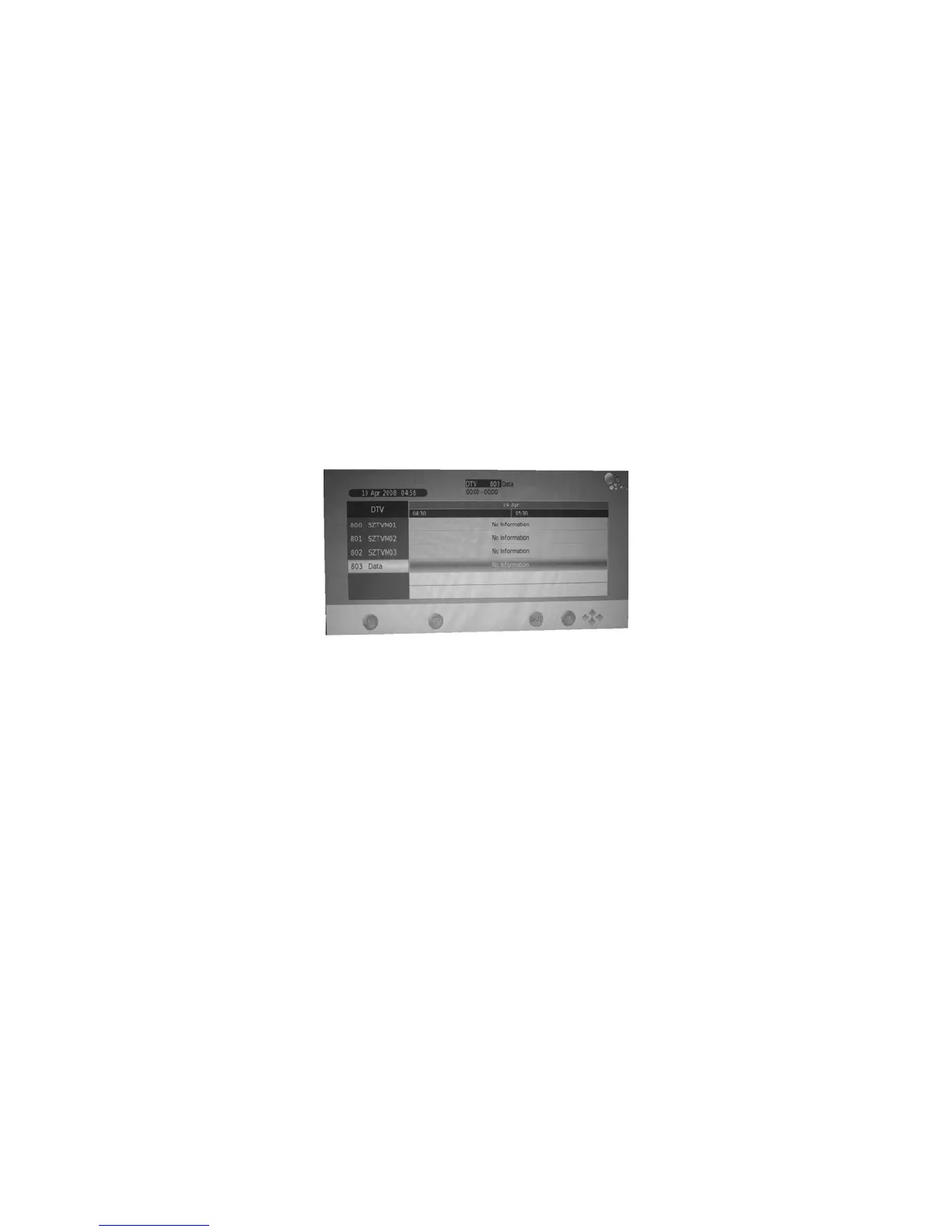
EPG menu
The EPG (Electronic Programme Guide) menu is used to look at what is
being broadcast on a DTV or Radio channel at a later point in time.
Press the EPG button to access the EPG menu, the detailed programme
information of the channel currently being viewed will be displayed.
To see what is going to be broadcast after the current programme, press the
Ź button to change the time and press theŻ button to move the time back.
To view a different channel, press the Ÿ or ź button. To book a wanted
programme for later watching, press the blue button to enter setting menu.
Press the green button to enter the schedule list.
To exit the EPG menu and watch the selected channel, press the EPG
or EXIT button.


 To Next Page