ENGLISH
15
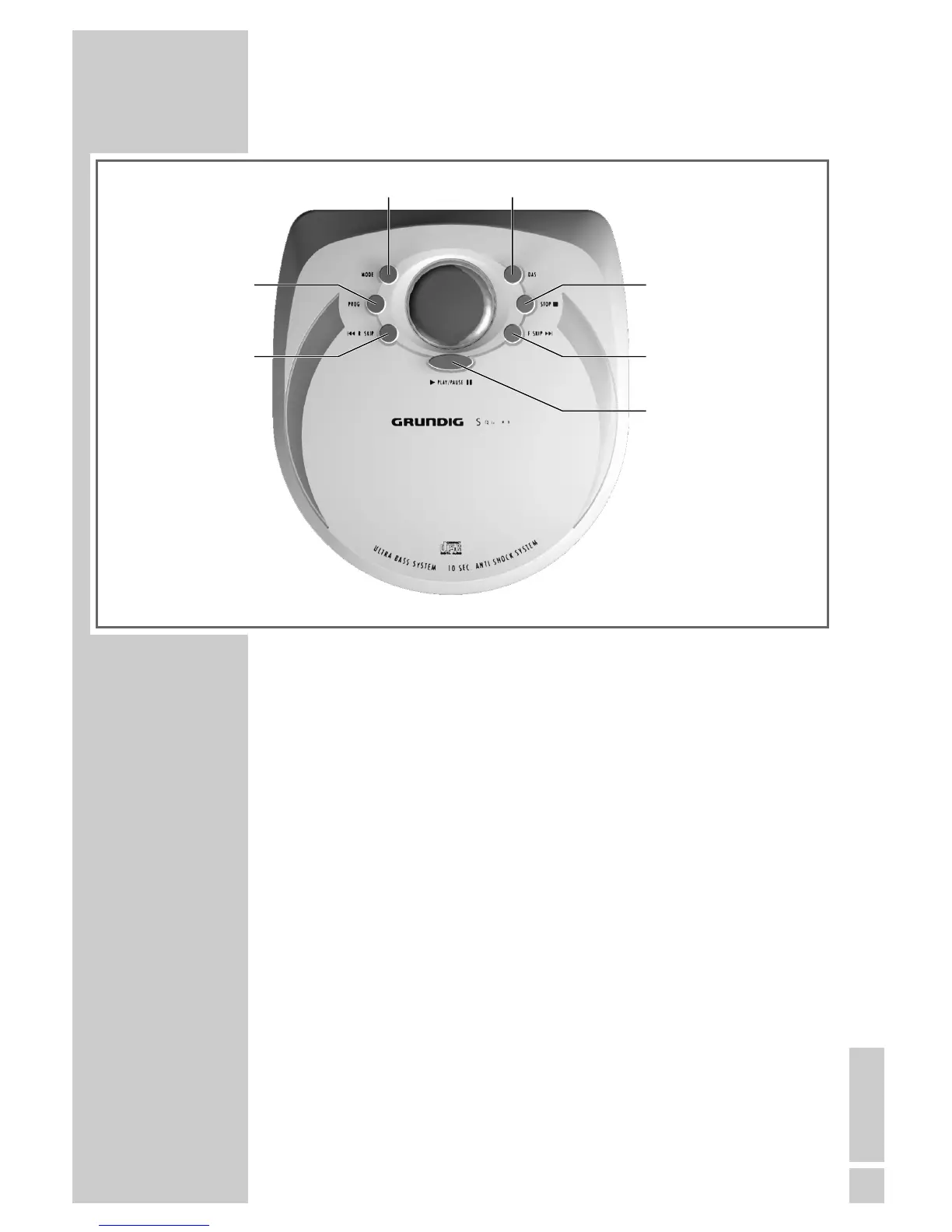
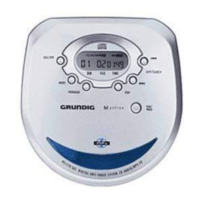
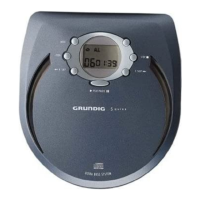
Operating controls on the top of the device
DAS Switches the digital anti-shock system on and off
(no function on the CDP 4100).
STOP
5
Press once to end CD playback
Press twice to switch off the device
sss6
F.SKIP Press briefly to select the next track
Hold down to search for a particular passage
ı PLAY/PAUSE II Switches the device on and starts CD playback;
Switches to pause.
5aaa
R.SKIP Press briefly to select the previous track
Hold down to search for a particular passage
PROG. Calls up the track memory creation function
MODE Call up the Repeat 1, Repeat All, Intro and Ran-
dom functions in succession
OVERVIEW
___________________________________________



 To Next Page