16
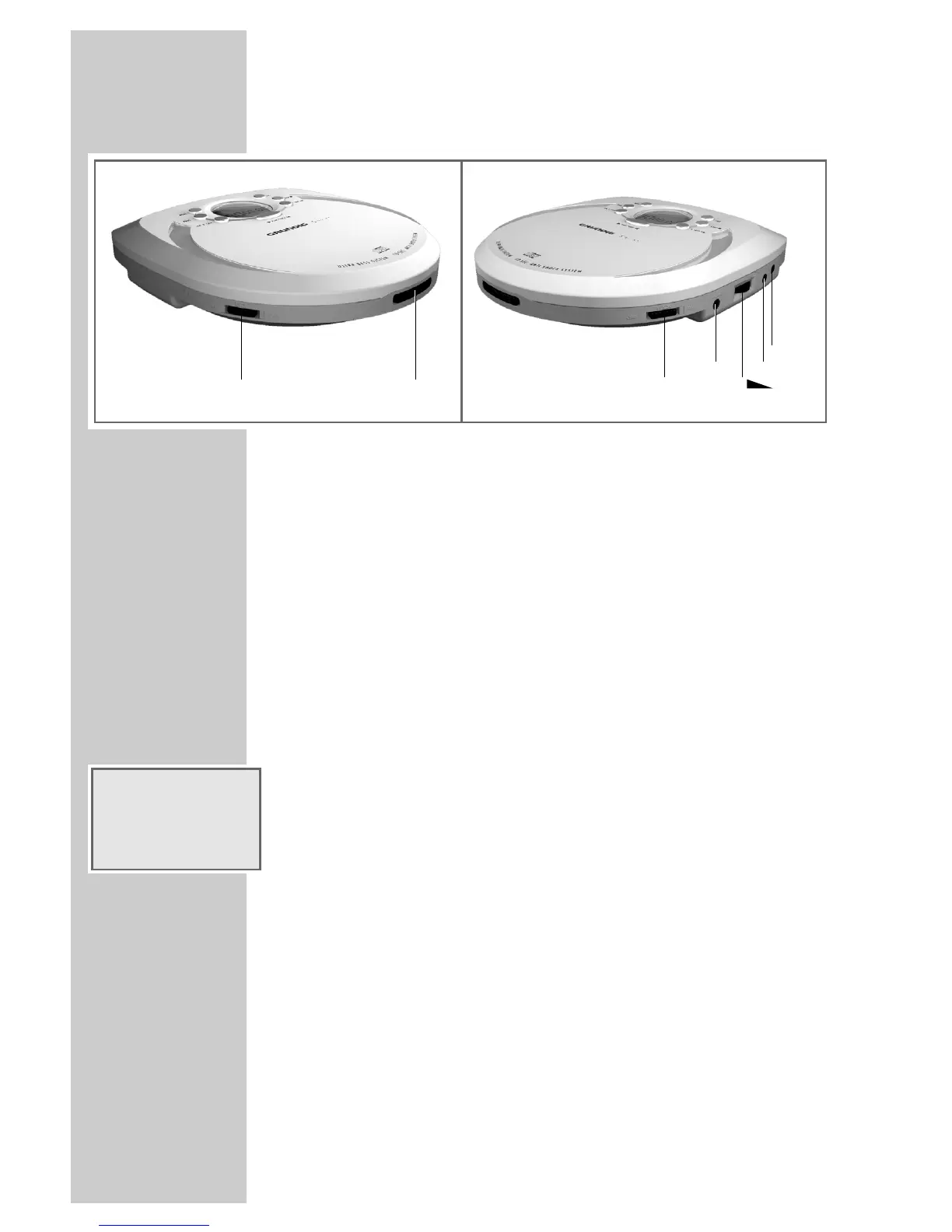
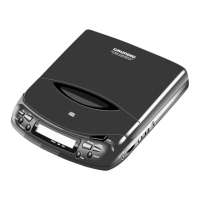
Controls and connections on the side
DC IN 4.5 V +>- External power supply socket (4.5 V)
LINE OUT Audio signal output for CD playback via a
HiFi system
VOLUME g Adjusts the volume
PHONES Socket for the earphones supplied
(3.5 mm-jack)
ON UBS OFF Bass booster
OPEN Opens the CD compartment
OFF HOLD ON Disables and enables the buttons
The display
t 1: Repeating a single track
t ALL: Repeating all tracks on the CD
HOLD: The buttons are disabled
i: Flashing means the batteries are becoming low
PROG: Creating or playing a track memory
RAND: The Random function has been selected
INTRO: The Intro function has been selected
u
: The anti-shock system in on (no display on the CDP 4100).
»01«: Track number
»00:02«: Track playing time
OVERVIEW
____________________________________________
t1 ALL HOLD i
PROG RAND INTRO
u
88 88
88
:



 To Next Page