27
ZY120 6-20kVA (11) User Manual EN rev.04.doc
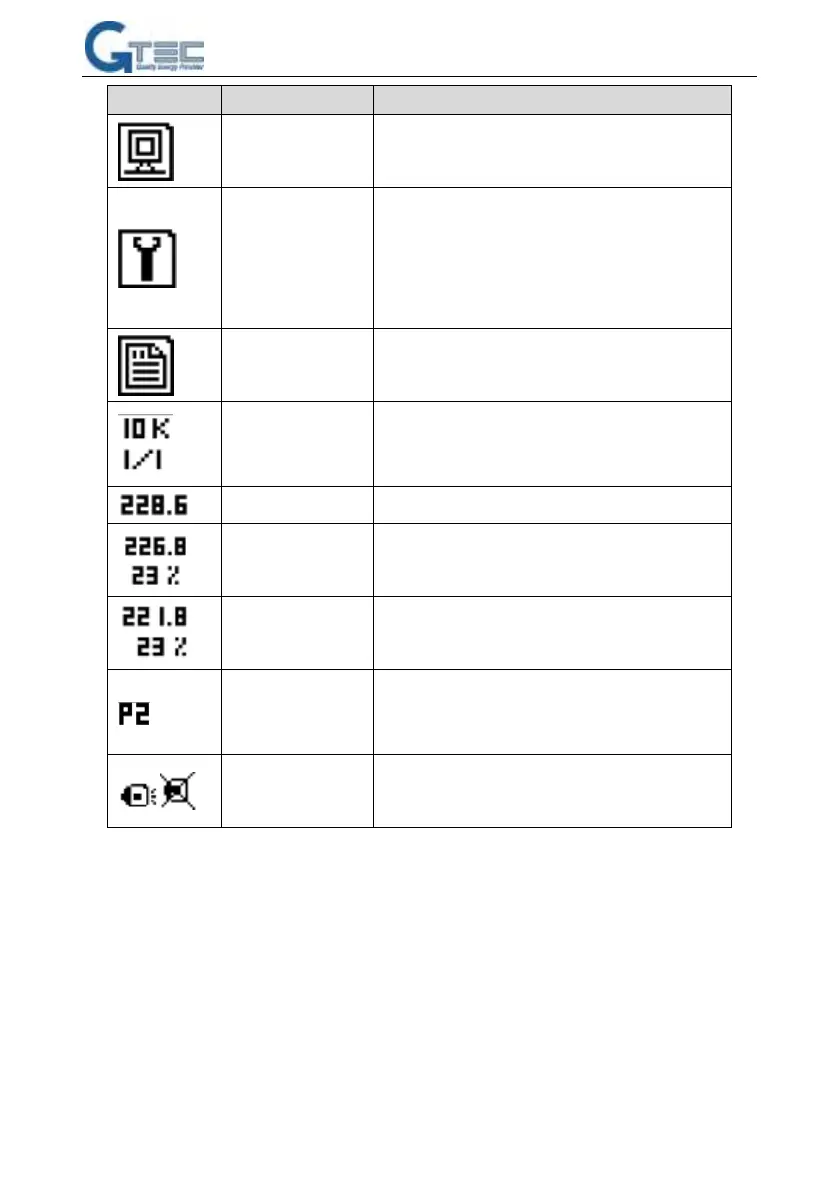
Alarms, S-code, firmware version, system
information
Set: language, contrast, communication set(SNT,
Modbus), Modbus set
Function: function 1(transfer to bypass/escape,
fault clear, mute on/off), function 2(battery test,
maintenance test, stop test)
Rated capacity:
10KVA
1phase in/out: 1/1
Battery voltage and
capacity remained
Output voltage and
load percent
S--single mode, E--ECO mode, P-parallel mode,
2-the unit ID is 2 in system, the units ID in parallel
system should be different
7. OPERATION
7.1 Operation Mode
1. Turn on the UPS in normal mode
1) After you make sure that the power supply connection is correct, and then close the battery



 To Next Page